
FIND YOUR NEXT STEP
Search RUILED
A smaller pitch can add pixels to a given screen size, but the buying decision also depends on what people need to see and where they will stand. Ordering the finest pitch available without those inputs can make the comparison less useful.
Build a short viewing brief first. It lets you compare a proposed screen against real content and a real layout instead of treating a single distance rule as a guarantee.
In this guide
1. Understand the number you are comparing
Pixel pitch is the centre-to-centre spacing between adjacent pixels, expressed in millimetres. At a fixed display size, reducing that spacing increases the available pixel count. Planar’s technical explanation also connects pitch selection with intended viewing distance.
This describes one part of image presentation. It does not establish the final brightness setting, processing, content readability or suitability of a particular RUILED configuration. Request the complete proposed specification alongside the pitch.
Technical background: Planar on pixel pitch and viewing distance.
What to check: Compare pitch and complete pixel resolution together.
2. Mark the viewing positions that actually matter
Show the closest intended viewer, the normal audience area and the positions where important content must remain useful. A lobby visitor walking past a sign is a different task from a seated audience reading a spreadsheet.
Include the display’s height and angle, not just a single straight-line distance. Treat distance guidelines as an initial shortlist. Confirm the result using representative content and the proposed configuration when the viewing requirement is important to the purchase.
What to check: Draw the audience area and identify the most demanding content position.
3. Work from the final pixel canvas
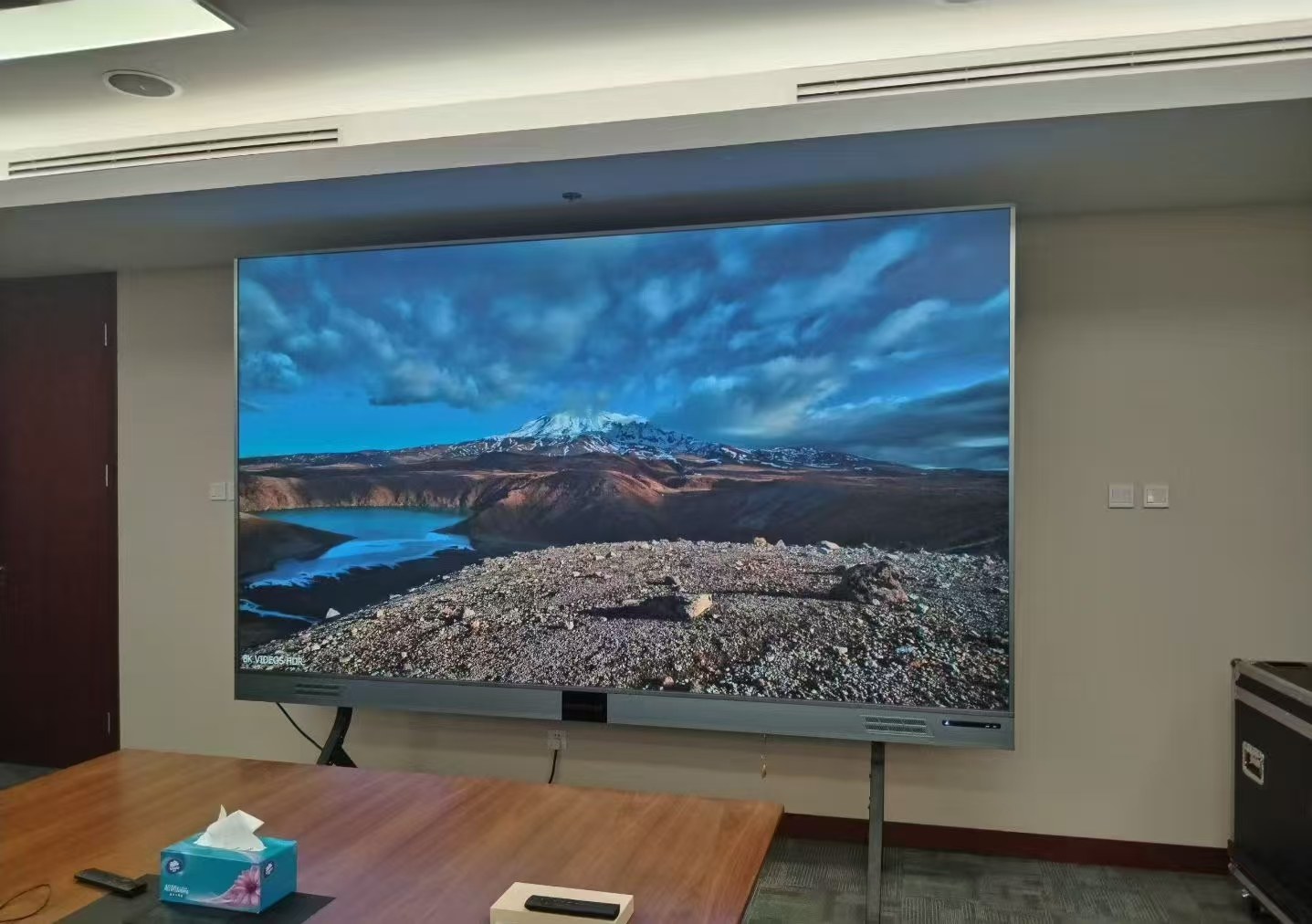
For an initial geometric estimate, pixel count along one direction is display length in millimetres divided by pitch. A hypothetical 4,000 mm width at 2.5 mm pitch gives 1,600 pixels. This is a calculation example, not a RUILED model or confirmed cabinet layout.
The actual screen must follow its module and cabinet grid. Ask for the final drawing and exact horizontal and vertical pixel counts. Do not round an early estimate into a manufacturing specification or assume that a 4K source means the display has 4K physical resolution.
What to check: Use the supplier’s final cabinet layout and pixel map for content production.
4. Test the smallest important content
Supply a real presentation, menu, brand graphic or operational document. Mark what the viewer must recognise or read. Ask how it will be scaled onto the proposed canvas and whether the intended aspect ratio introduces cropping or unused space.
Where a demonstration forms part of the decision, agree the source material, viewing positions and settings to review. A close-up photo or unrelated promotional video leaves your specific readability question unanswered.
What to check: Approve a relevant content review rather than relying only on a pitch label.
5. Compare the whole configuration and its cost
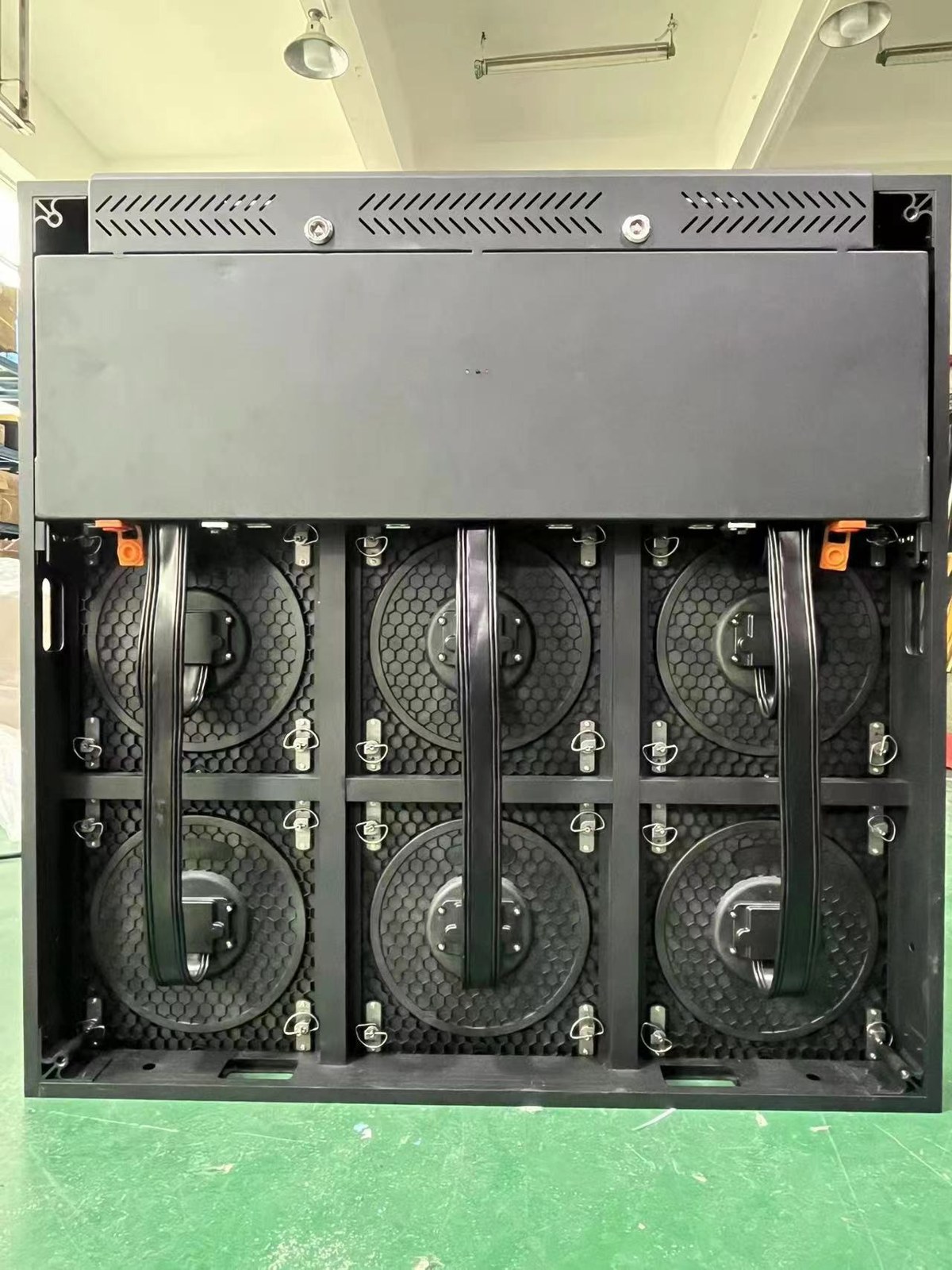
Request a proposal that names the pitch, display size, pixel layout, control equipment and installation scope. If you are comparing two pitches, keep the display task and other assumptions visible so you can see what the additional expenditure buys.
Review service access, confirmed power information and required spare parts as part of the same decision. A suitable shortlist may contain more than one configuration; ask for the trade-offs that matter to your site before approving one.
What to check: Choose the configuration that meets the defined viewing task and project scope.
Build a viewing brief
| Question | Useful evidence |
|---|---|
| Where are viewers? | Nearest, normal and most demanding positions on a plan |
| What must they see? | Representative content with key text or details marked |
| How large is the screen? | Target dimensions and final cabinet layout |
| What is its resolution? | Exact horizontal and vertical physical pixel counts |
| How will it be checked? | Agreed sample content and viewing review |
Before you order
- Identify the viewing task
- Mark audience positions
- Provide sample content
- Request the exact pixel layout
- Review aspect ratio and source scaling
- Compare complete configuration scope
Send RUILED your screen size, audience positions and a sample of the content. These are useful starting inputs even before you know which pitch to request.
Keep planning your project.
All articles
500 × 250 vs 480 × 320 mm All-Aluminium LED Modules
Understand the two module formats before comparing cabinet layouts, power or spare parts.
Read guide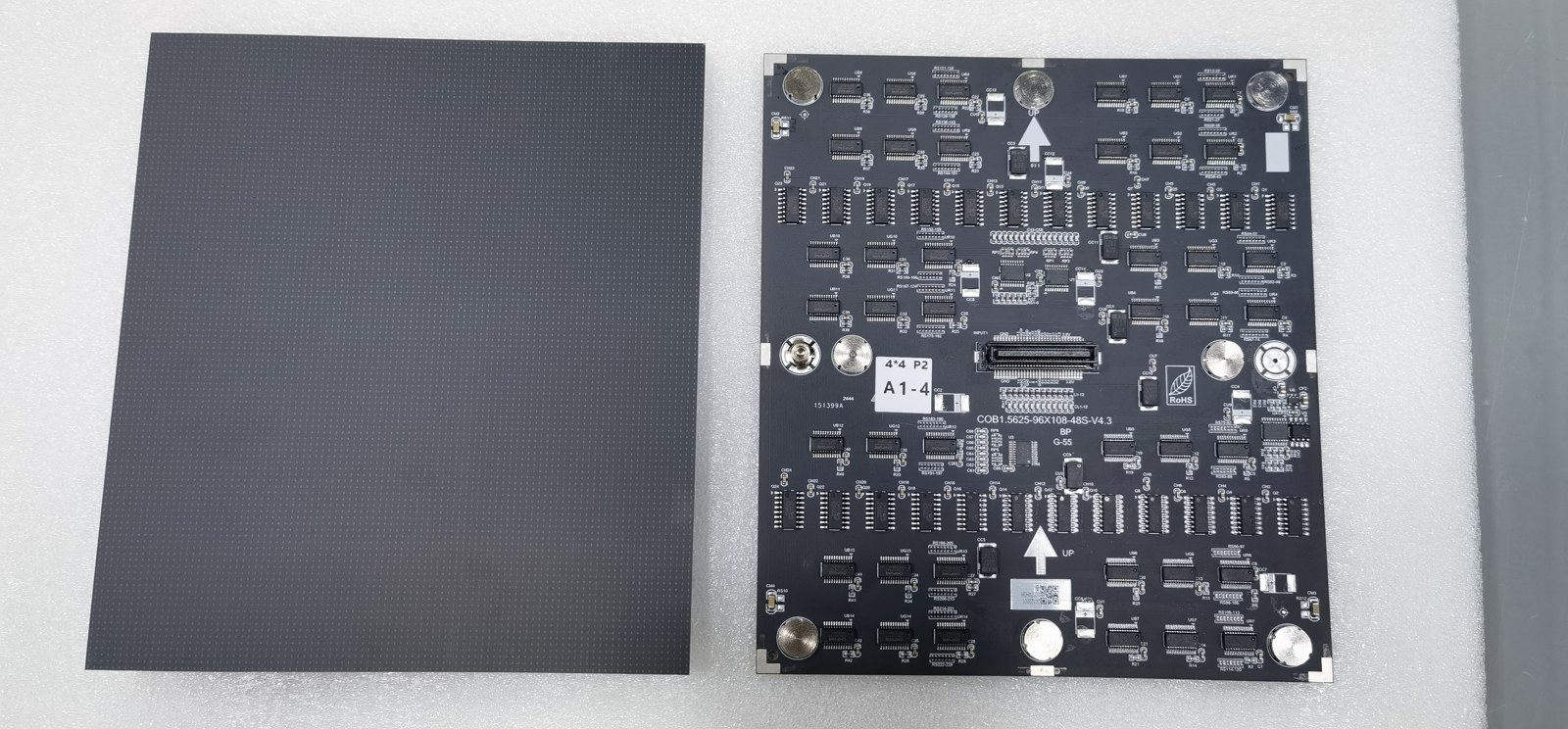
Buying a COB LED Video Wall: What Should You Confirm?
Define the room, content, configuration and service plan before approving a common-cathode COB proposal.
Read guideSTART A CONVERSATION
Get a configuration
for your project.
Tell us where the display will be used, its approximate size and the project country. Add your target date if known. You can enquire before the specification is complete.
Send an inquiry
After you send, our team will review your requirements and contact you to clarify the details and next steps.
Please read our privacy notice before sending personal information.