
FIND YOUR NEXT STEP
Search RUILED
A meeting-room video wall is judged by the content people actually use: presentation slides, small labels, remote participants and shared documents. A bright demonstration video alone does not resolve those needs.
RUILED’s COB page follows the supplied product catalogue. Select the pitch and review its cabinet, brightness and power values together before approving the proposal.
In this guide
1. Describe the room and the content people need to read
Send room dimensions, screen position and the nearest and furthest intended seats. Include photos showing windows, lighting and the surrounding wall. State whether people will primarily watch video, read presentations or follow detailed shared documents.
Provide a real slide or document with the smallest important text marked. Ask to review it on the proposed pixel layout. The purchasing question is whether the selected configuration supports the task from the intended seats, not whether a demonstration looks sharp at one camera angle.
What to check: Use representative content and actual seating positions for the review.
2. Request a configuration-specific data sheet
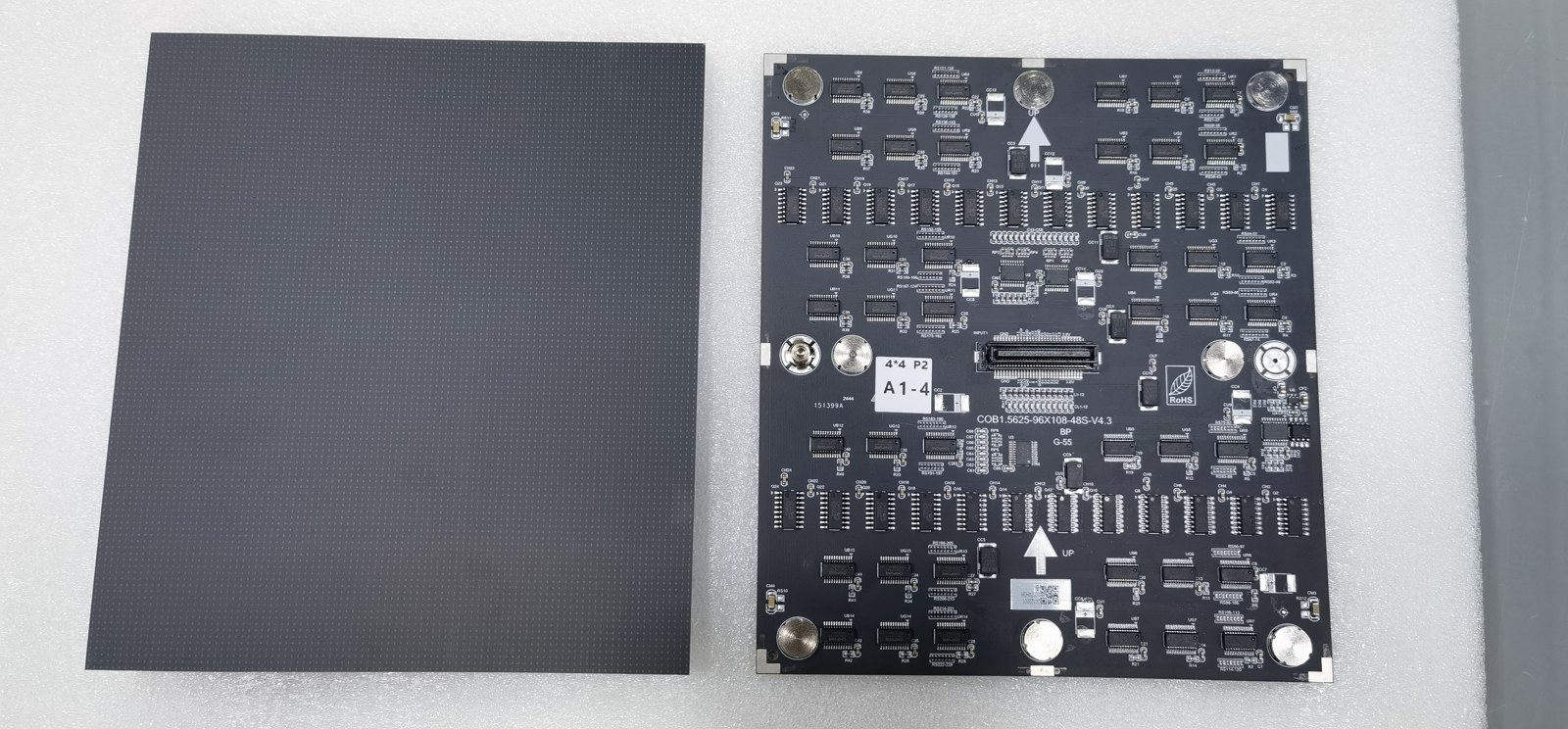
Ask for the selected series, pitch, module and cabinet dimensions, complete resolution and control equipment. Confirm that every quoted parameter belongs to the same selected catalogue configuration.
Use the selected catalogue model as the starting point. Keep the approved specification with the quotation, and resolve any model-specific information still needed for the installation.
What to check: Attach the exact approved specification to the quotation and order.
3. Review the entire signal workflow
List laptops, conferencing equipment and other sources the room will use. Explain whether you need one full-screen image or a particular content arrangement. Ask which controller, connections and operating steps are proposed for that workflow.
Confirm who supplies the sources, cabling and integration work. If switching between sources matters, include that action in the agreed demonstration. A working image from one source does not establish every connection or operating mode.
What to check: Request a system diagram and a relevant source-switching demonstration.
4. Plan access before the wall finish is approved
Ask how modules, power components, connections and control equipment can be inspected or replaced. Include the surrounding joinery and any restrictions on working in the room. Request the proposed service sequence and installation requirements.
Assign supporting structure, electrical distribution, wall preparation and commissioning responsibilities. Confirm the required drawings and review them with the responsible local professionals before the room is finished.
What to check: Approve service access and the installation scope alongside the visual layout.
5. Separate confirmed facts from buying assumptions
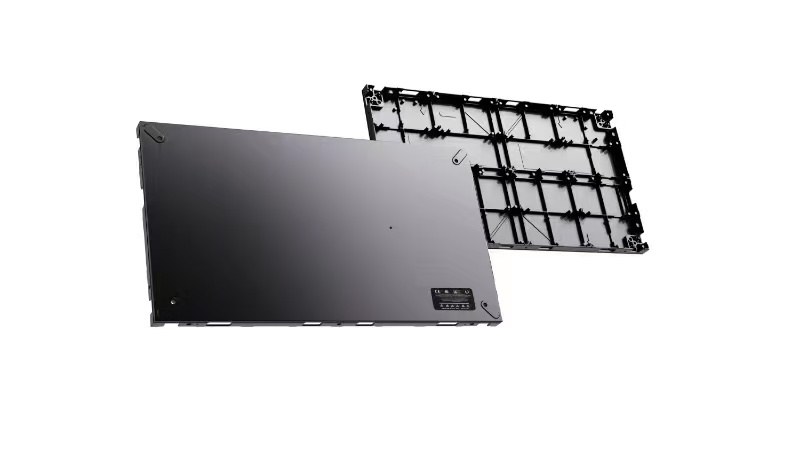
The catalogue lists average power of 350 W/m² for P0.78, P0.9375, P1.25 and P1.56, and 400 W/m² for P1.87. Select the matching configuration in the product-page calculator. Warranty and the room’s actual operating conditions remain separate considerations.
Request any missing information relevant to approval rather than borrowing figures from a different model. Agree the sample review, inspection checks, spare parts and service terms in writing so the purchase rests on a defined configuration.
What to check: Keep unresolved figures open until they are confirmed for the selected model.
A useful COB project brief
| Item | Information to prepare |
|---|---|
| Room | Dimensions, seating positions and site photographs |
| Content | Real slides, documents and video sources |
| Configuration | Series, pitch, selected catalogue model and pixel layout |
| Integration | Sources, controller, connections and operating workflow |
| Installation | Structure, power, access and responsibility list |
Before you order
- Mark seating and screen positions
- Share representative content
- Confirm one configuration-specific sheet
- Review the signal workflow
- Approve installation and service access
- Agree missing data, inspection and support scope
Send a room photo, approximate display size, seating plan and sample content to begin a COB configuration discussion.
Keep planning your project.
All articles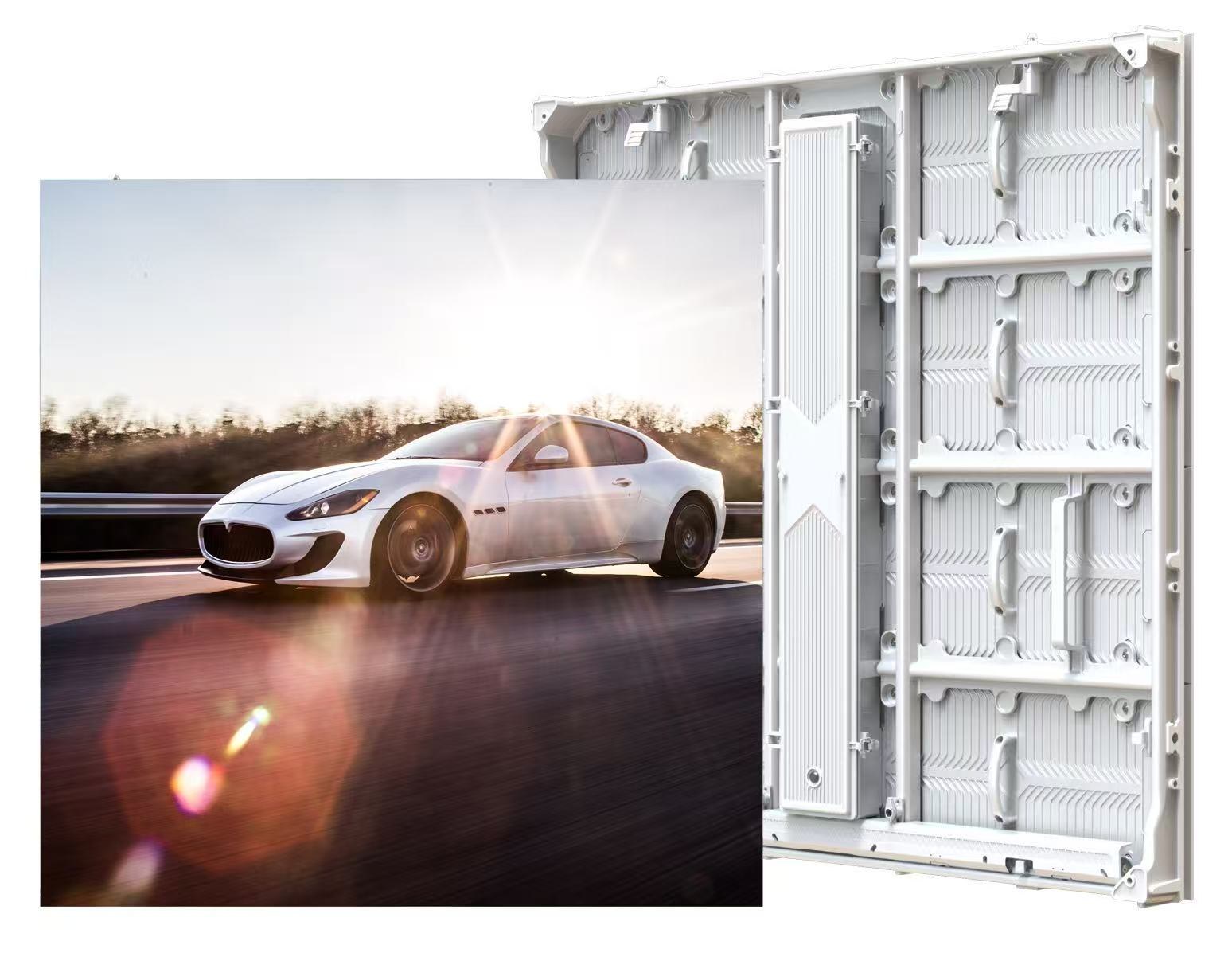
500 × 250 vs 480 × 320 mm All-Aluminium LED Modules
Understand the two module formats before comparing cabinet layouts, power or spare parts.
Read guide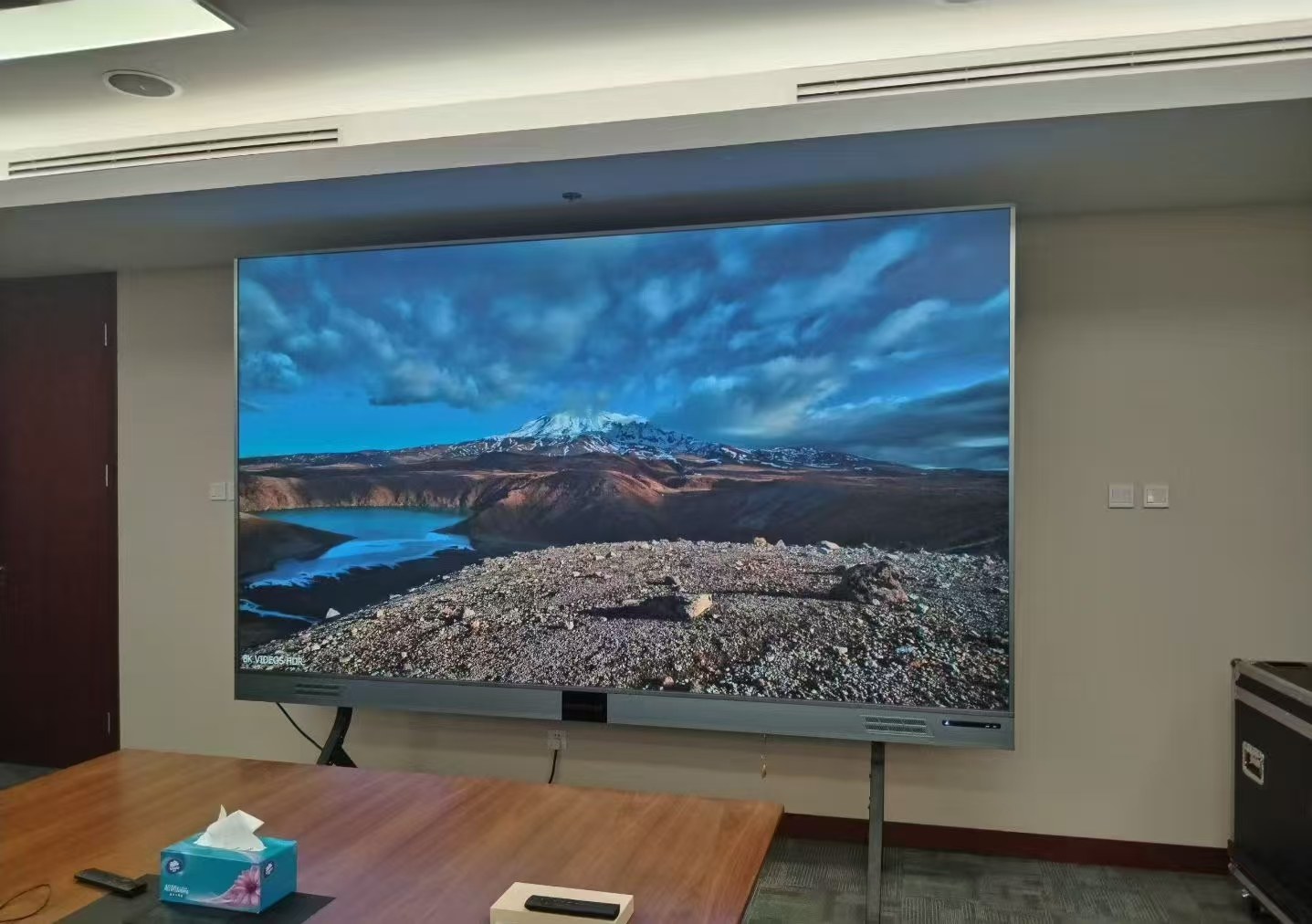
How to Choose LED Pixel Pitch Without Overbuying
Connect viewing positions, content detail and screen resolution to a configuration you can evaluate.
Read guideSTART A CONVERSATION
Get a configuration
for your project.
Tell us where the display will be used, its approximate size and the project country. Add your target date if known. You can enquire before the specification is complete.
Send an inquiry
After you send, our team will review your requirements and contact you to clarify the details and next steps.
Please read our privacy notice before sending personal information.