
FIND YOUR NEXT STEP
Search RUILED
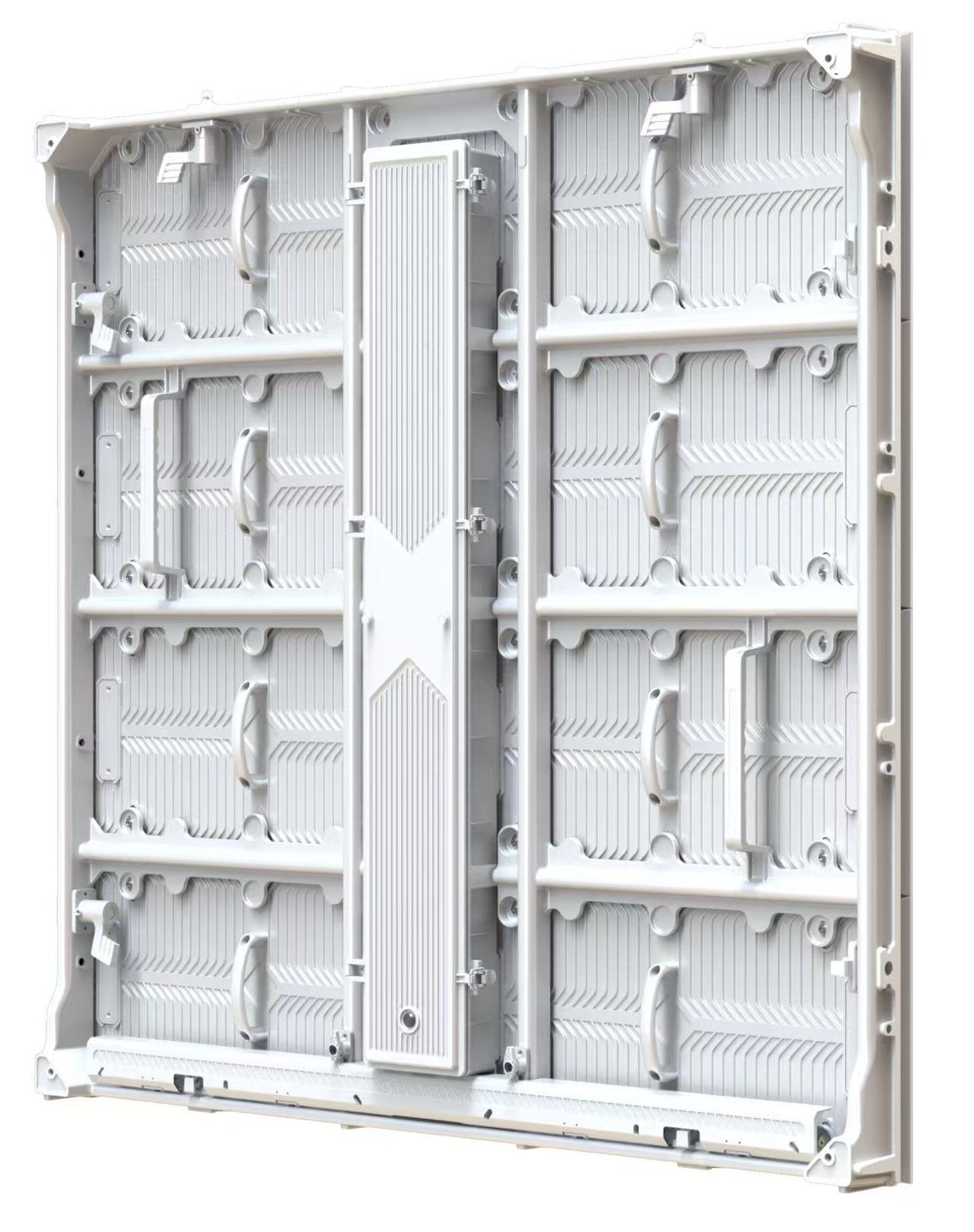
A video wall can fit its opening perfectly and still be difficult to maintain. The problem often becomes visible only after the supporting structure, wall finish or shopfitting blocks the route to a component.
Treat service access as part of the installation design. Ask what needs to be reached, how it is removed and who performs the work before deciding between a proposed front- or rear-service arrangement.
In this guide
1. Ask which components each service method covers
“Front service” or “rear service” is a starting description, not a complete access plan. Ask separately about display modules, power components, receiving equipment, connectors and control devices. Confirm the method for the exact selected cabinet.
Request the relevant service instructions or drawings. Identify any component that still requires access from another direction, and which surrounding parts must be removed first. Do not infer all-component front access from a product-family label.
What to check: Make a component-by-component access list.
2. Show the supplier the completed surroundings
Share a section drawing with the display, structure, wall finish, furniture and nearby obstructions. Include the space that remains after installation, not only the empty site before work begins.
Ask for the model-specific clearance and working-space requirements. There is no universal clearance figure supplied here. Have the responsible installation team check those requirements against the finished design before the structure and joinery are approved.
What to check: Review access in the final built condition, including removal routes.
3. Check the complete replacement sequence
Ask how a technician isolates the affected equipment, reaches the component, removes it and reinstalls the replacement. Confirm tools, handling needs and which work must be done by trained or authorised personnel.
If a part must travel through a doorway, access hatch or service corridor, review that route. An opening that allows someone to see a connector may still be inadequate for the agreed service procedure.
What to check: Review the actual procedure with the team that will perform maintenance.
4. Keep power, signal and equipment accessible
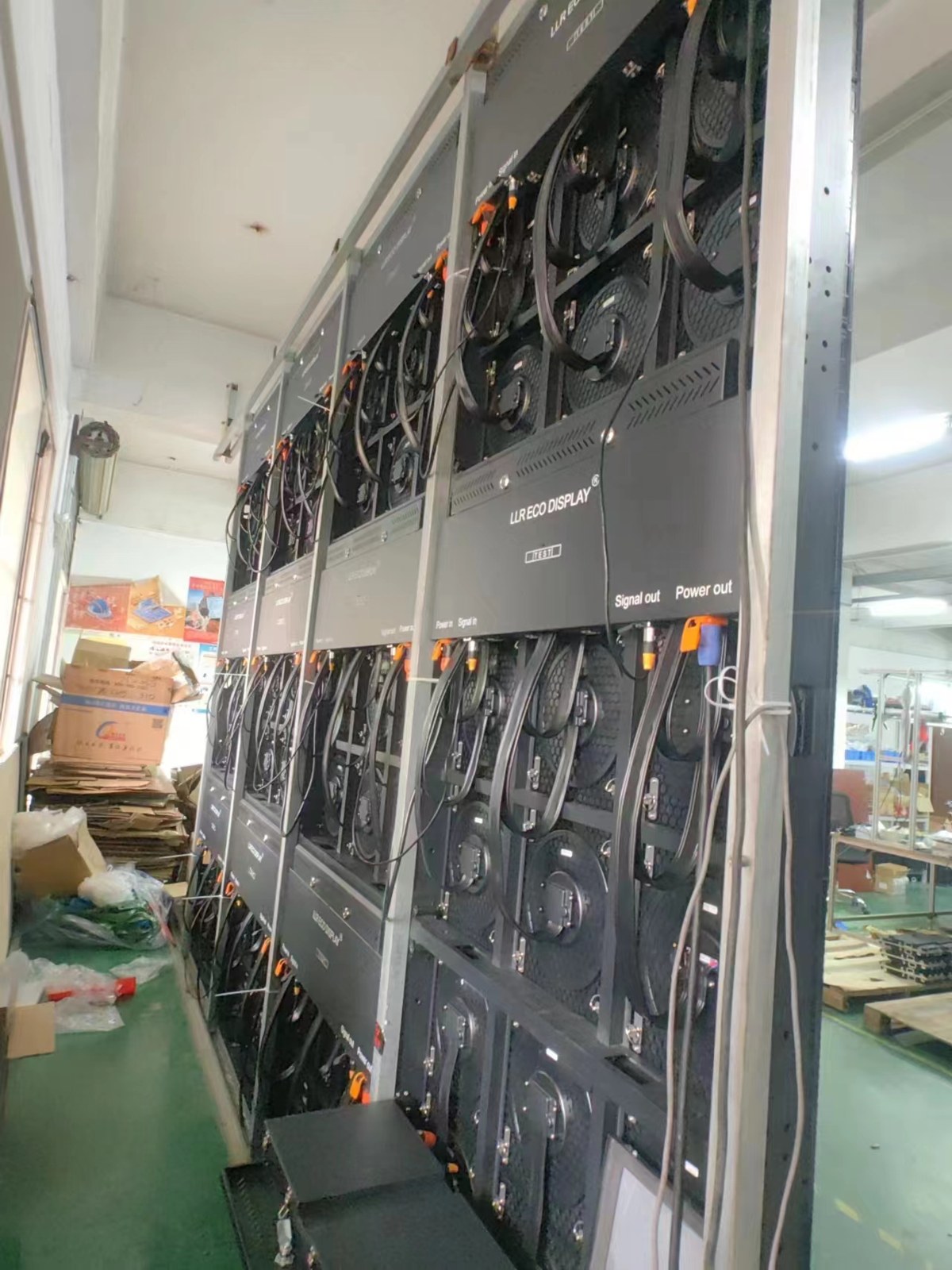
Mark cable routes, connection points and the locations of control and power-distribution equipment. Ask which items need access for inspection or replacement and how they will be identified.
Assign structural, electrical, display and fit-out responsibilities. Ask the relevant professionals to review their scope. Confirm that closing a wall or installing a counter does not prevent the agreed maintenance work.
What to check: Approve a coordinated drawing before surrounding construction is completed.
5. Document the handover and future service plan
Keep the final layout, equipment list, service instructions and configuration records together. Ask who receives a fault report, what diagnostic evidence is needed and who can authorise replacement work.
Review access costs and responsibilities where maintenance needs site attendance, lifting or opening a finished surface. Agree these points in the order instead of assuming a general warranty statement covers every local task.
What to check: Record both the physical access plan and the service responsibility plan.
A service-access review sheet
| Item | Confirm before installation |
|---|---|
| Components | How each serviceable item is reached and removed |
| Surroundings | Final structure, finish and obstructions |
| Clearances | Model-specific requirements from the supplier |
| Work method | Tools, trained personnel and replacement route |
| Handover | Drawings, configuration records and support process |
Before you order
- Select the cabinet and access method
- Review every serviceable component
- Show final surrounding construction
- Confirm required working space
- Assign local work and costs
- Retain the final service documentation
Send a site photo and section drawing with the intended display position. RUILED can discuss the service information needed for the selected product.
Keep planning your project.
All articles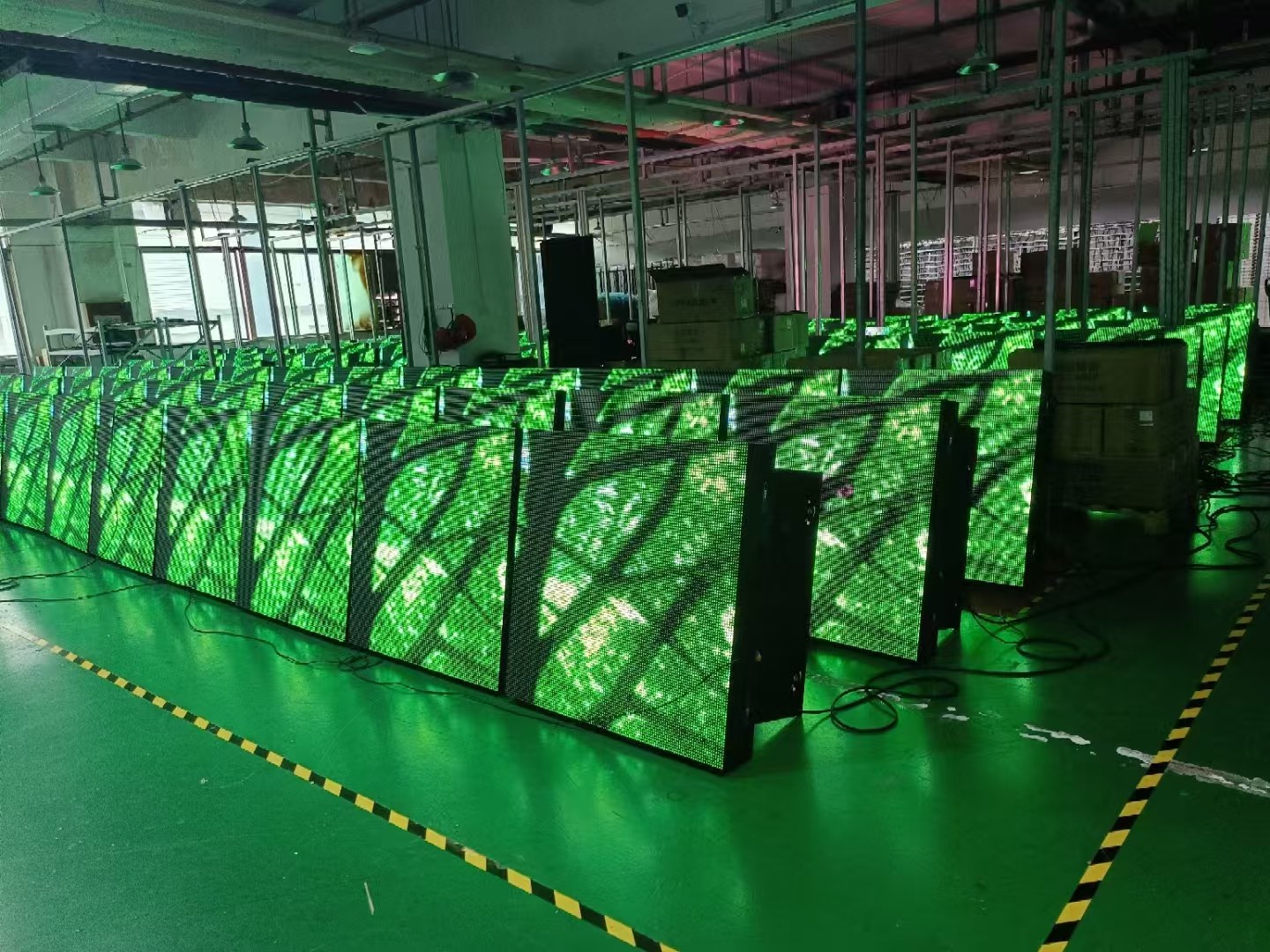
LED Display Inspection Before Shipment: A Buyer’s Checklist
Agree the configuration, test conditions, records and open-item process before the display is packed.
Read guide
LED Display Spare Parts and After-Sales: What to Agree Before Ordering
Build a practical service plan around compatible parts, access, diagnosis and written responsibilities.
Read guideSTART A CONVERSATION
Get a configuration
for your project.
Tell us where the display will be used, its approximate size and the project country. Add your target date if known. You can enquire before the specification is complete.
Send an inquiry
After you send, our team will review your requirements and contact you to clarify the details and next steps.
Please read our privacy notice before sending personal information.