
FIND YOUR NEXT STEP
Search RUILED
Home / SERVICE & SUPPORT
SERVICE & SUPPORT
Keep your display
ready for its next use.
Prepare a clear fault report, plan replacement parts and understand the responsibilities behind each service request.
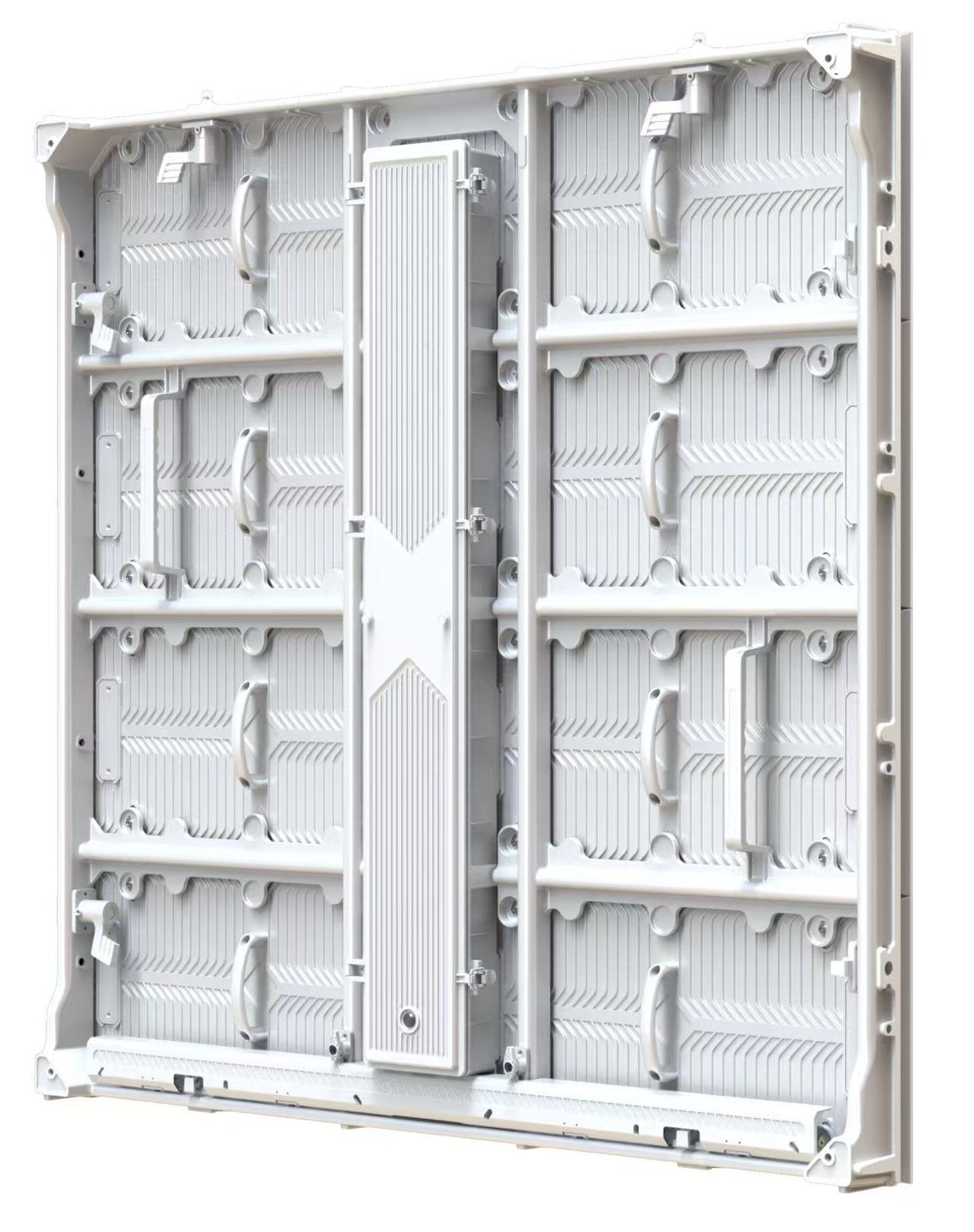
Your support.
At a glance.
Warranty periods, service hours and the practical terms for planning after-sales support.
- Warranty from shipment
- Outdoor displays: 1 year. Indoor displays: 3 years. Both warranty periods begin on the shipment date.
- Repair and freight
- Return-to-factory repair service is available. Freight costs are borne by the customer.
- Technical assistance
- Video assistance and remote technical support are available.
- Included spare parts
- Complimentary spare parts are provided at 1% by quantity. The applicable items and quantity breakdown are specified in the order.
- Service hours
- Monday–Friday, 09:00–19:00 Beijing time (UTC+8). Saturday and Sunday support requires advance appointment.
- First response
- Initial response within 2 hours during working hours and within 12 hours outside working hours. Weekend support requires advance appointment.
- After warranty
- After the warranty period, service is charged at prevailing market rates. Confirm the proposed work and quotation before proceeding.
Response times refer to the initial reply. Diagnosis, repair and parts delivery depend on the issue and the agreed service arrangement. Keep the order terms and product details with your service request.
Tell us what happened.
Show us where.
A complete report helps the technical discussion begin with the right product and the right evidence.
- Order and product
- Order reference, selected model, pixel pitch if known, and the cabinet or module identifier. A photo of the accessible product label is useful.
- Fault location
- Mark the affected area on a front-view photo or the cabinet layout. State whether the whole screen, one cabinet, a group of modules or individual pixels are affected.
- What you see
- Describe the visible symptom in your own words. Include a full-screen image, a close-up and a short video if the issue changes over time.
- When it happens
- Date first noticed, whether it is continuous or intermittent, and whether it appears at startup, after running for some time or with particular content.
- System information
- Controller or player model, relevant software version and signal source if known. Include visible messages or status indications without opening equipment.
- Recent changes
- Any recent content, source, cabling, software, configuration, installation or environmental change. Record what was changed and when.
- Checks already completed
- Describe any actions already taken and their results. Keep the original configuration records and avoid repeating changes that have not helped.
- Site and availability
- Project country, time zone, a suitable contact window and whether trained local personnel can attend. Explain any event deadline or access restriction.
Use the enquiry form below to start. Do not send passwords or remote-access credentials. If you need to share large videos or configuration files, agree a suitable transfer method with the service contact.
Describe the symptom.
Avoid guessing the cause.
The same visible effect can require different checks. Start with what can be observed safely.
| What you observe | Useful information to record |
|---|---|
| Whole screen is blank | A full view, source/controller models, visible messages and whether the issue began after a specific change. |
| One area is dark or incorrect | Wide and close-up images with its cabinet or module position marked on the layout. |
| Image flickers or fails intermittently | A video showing the effect, timing, frequency, content/source in use and relevant recent changes. |
| Colours or brightness differ | Affected areas under the same displayed content and settings; note whether the difference followed a replacement. |
| Content is cropped, shifted or mapped incorrectly | Intended pixel layout, source dimensions and screenshots of the relevant visible settings. |
| Physical damage, moisture or unusual heat | Describe what was observed and any recent incident. Keep people away from unsafe equipment and arrange assessment by qualified personnel. |
These observations help describe the issue; they do not identify its cause. Electrical inspection, internal access and component replacement require qualified personnel following the applicable product instructions and safe isolation procedures.
Four checkpoints
for a service case.
Use these steps to agree the work and keep a clear record of the outcome.
Prepare the case
Identify the order, product, affected position and symptoms. Keep the initial photos, video and description together.
Review the information
Clarify missing details and agree any model-specific diagnostic checks. Confirm who can perform them and preserve existing configuration records.
Agree the service action
Confirm whether the next step is technical guidance, a compatible replacement part, repair assessment or local assistance. Agree coverage, charges and logistics before proceeding.
Verify and record the result
Review the display with the agreed content or checks. Record what was changed, whether the symptom is resolved and any follow-up action or spare-stock replenishment.
Understand the coverage.
Know who pays for what.
A warranty period is one part of the service agreement. Confirm the scope and the cost responsibilities as well.
When does the warranty start, and which product does it cover?
Outdoor displays: 1 year. Indoor displays: 3 years. Both warranty periods begin on the shipment date.
Keep the order reference, selected model and shipment record with the service request. The period is calculated from shipment, so retain the actual shipment date when preparing a warranty enquiry.
Are replacement parts and repair work both included?
RUILED provides return-to-factory repair service, video assistance and remote technical support. Send the order reference and fault evidence so the applicable coverage and service action can be reviewed.
Keep component identifiers and the reported fault together. Do not assume that coverage for a part also includes every local task needed to replace it.
Who covers freight, customs, labour and access equipment?
Freight costs are borne by the customer. Confirm the shipment instructions and freight arrangements before sending equipment for repair or arranging a replacement.
Customs handling, local labour, lifting or access equipment, site attendance and commissioning need to be agreed separately where relevant. Include those responsibilities in the order terms or case-specific service proposal.
What happens after the warranty period?
After the warranty period, service is charged at prevailing market rates. Confirm the proposed work and quotation before proceeding. Freight costs are borne by the customer. Ask for an assessment of the reported issue and the available repair or replacement options.
Availability for an older product needs to be checked. Keep the original model and configuration records so a replacement proposal can be assessed against the installed system.
What information affects a coverage decision?
Provide the order documents, fault evidence and relevant operating or incident history. Ask which exclusions and service conditions apply to the specific agreement.
If equipment has been damaged, modified or serviced previously, describe what happened. Coverage should be reviewed against the written terms and case evidence rather than assumed from a photograph.
Prepare the right spare.
Keep the system records.
A spare is useful when it matches the installed configuration and the service team has the information needed to use it.
Which spare parts should the project hold?
Complimentary spare parts are provided at 1% by quantity. The applicable items and quantity breakdown are specified in the order.
Review the required modules, power components, receiving equipment, cables and layout-specific accessories against the selected system. Confirm which items make up the included allowance and quote any additional stock separately. Consider access difficulty, local service skills and replenishment needs when planning extra spares.
How is a replacement checked for compatibility?
Provide the original part identifier, model, relevant hardware revision and position in the display. Ask what matching, calibration or configuration information is required for the proposed replacement.
The same outside dimensions do not establish compatibility. Keep the 500 × 250 mm RUFO and 480 × 320 mm FAB module ranges as separate product records.
What should be confirmed before replacing a component?
Agree the correct part, service procedure, tools, trained personnel, safe isolation and access method for the selected product. Confirm any configuration backup or restoration requirements with the responsible technical team.
Internal electronics work should be performed by qualified personnel. Follow the applicable instructions rather than treating a general website guide as a component-replacement manual.
What records belong in the service handover?
Keep the final cabinet layout, component list, approved configuration files where applicable, supplied manuals, agreed service instructions and spare-stock inventory together.
After a replacement, record the affected position, old and new identifiers, date, action and verification result. Update the spare-stock count and arrange replenishment as needed.
Agree the assistance
your team needs.
Discuss the equipment, local skills and task before selecting a support method.
What should I prepare for video or remote assistance?
Video assistance and remote technical support are available. Describe the task, controller/player model, software version and symptoms first. Have a suitable local contact available and agree the session and scope.
If remote access is agreed, authorise the specific session and keep a local operator present. Do not place unattended-access passwords in a website enquiry. Record any approved configuration changes and retain the agreed backup.
Can installation or operator training be included?
Describe the audience and tasks: assembly, content updates, operation, fault reporting or component service. Ask which documents, demonstrations or training arrangements are available for the selected product.
Confirm the format, language, participants, scope and any charges in the proposal. Operator guidance and qualified electrical or structural work are different responsibilities.
What about help at the project site?
Share the country, location, required work and proposed dates. Ask whether a suitable on-site arrangement is available and obtain a defined scope before making travel or site commitments.
Agree local responsibilities, personnel requirements, travel, accommodation, access equipment, charges and scheduling where relevant. Include the approved site-service arrangement in the project scope.
When is support available, and when should I expect a reply?
Monday–Friday, 09:00–19:00 Beijing time (UTC+8). Saturday and Sunday support requires advance appointment.
Initial response within 2 hours during working hours and within 12 hours outside working hours. Weekend support requires advance appointment. These timings refer to the first response; repair completion and parts delivery are assessed for the case.
How do we handle an urgent event or opening date?
State the deadline, affected function and any local spare stock or backup display available. Provide the model and evidence with the first report so the urgency can be assessed in context.
Confirm the actual response plan and parts/logistics availability for the case. Do not assume a delivery or repair completion time until the relevant arrangement has been agreed.
Plan the repair
and return journey.
Return-to-factory repair is available. Freight costs are borne by the customer; agree the destination and instructions before sending equipment.
- Agree the assessment first
- Provide the case details and component identifiers. Confirm whether the next step requires a return, a replacement or further information before arranging freight.
- Confirm the return instructions
- Obtain the correct recipient, address, case reference, packing instructions and required documents for the agreed action. The general company address may not be the correct repair destination.
- Assign transport and customs responsibilities
- Confirm freight charges, customs paperwork, declared contents and who handles local formalities. Use the instructions agreed for the particular movement.
- Pack and identify the items
- Follow the applicable packing and handling instructions. Include the agreed case reference and item list, and retain photographs and shipment records.
- Approve work and verify the outcome
- Where charges apply, approve the proposed scope before repair or paid replacement. On receipt, arrange installation and checks by the appropriate personnel, and update the service record.
Make ongoing care
part of the handover.
Use the selected product’s instructions and site conditions to define the routine, rather than applying a universal schedule.
What should the operator observe during normal use?
Record visible display changes, recurring symptoms, unusual environmental conditions and any incident. Keep service routes accessible and report concerns to the responsible technical contact.
Set the inspection frequency and operating checks using the approved product instructions and the site’s maintenance plan. Do not open enclosures or inspect live internal electronics as a routine operator task.
How should cleaning be arranged?
Request cleaning instructions applicable to the exact display surface, product and installation. Confirm the approved materials, method and personnel before work begins.
Do not assume a method used for one LED product is suitable for COB, transparent film, a rental cabinet or another surface. Internal work and electrical isolation require the relevant qualified personnel and procedure.
How should configuration changes be managed?
Keep approved configuration and layout records with the system documentation. Before an authorised update, confirm the correct file, software and hardware context and the backup or recovery method.
Record the purpose, date, person responsible and result of each change. Avoid applying an unknown receiving-card file or resetting a system while trying to describe a fault.
What should happen after an event or component replacement?
Record any damage or reported symptom, check the agreed parts and accessories inventory, and update the maintenance history. Follow the applicable handling and storage instructions for the product.
After service, review the agreed operating checks and representative content, record the result and replenish any used spare stock. Keep unresolved observations attached to the same service record.
Prepare for service
before the display arrives.
Review the practical guides alongside the order documents.
Installation & service
Front or Rear Service? Plan LED Maintenance Before Installation
Avoid a finished wall that prevents access to the components your team needs to maintain.
Read guide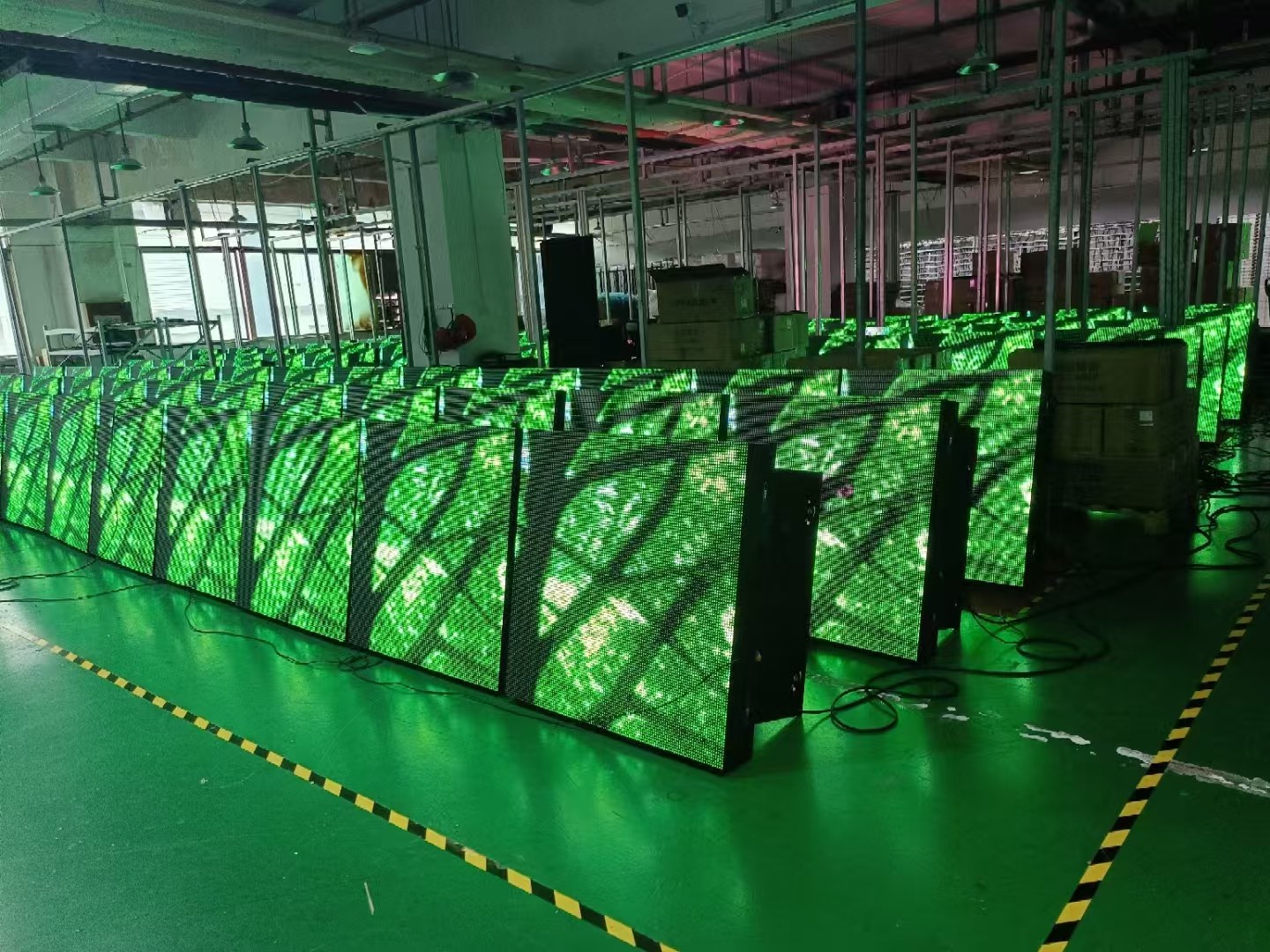
Installation & service
LED Display Inspection Before Shipment: A Buyer’s Checklist
Agree the configuration, test conditions, records and open-item process before the display is packed.
Read guide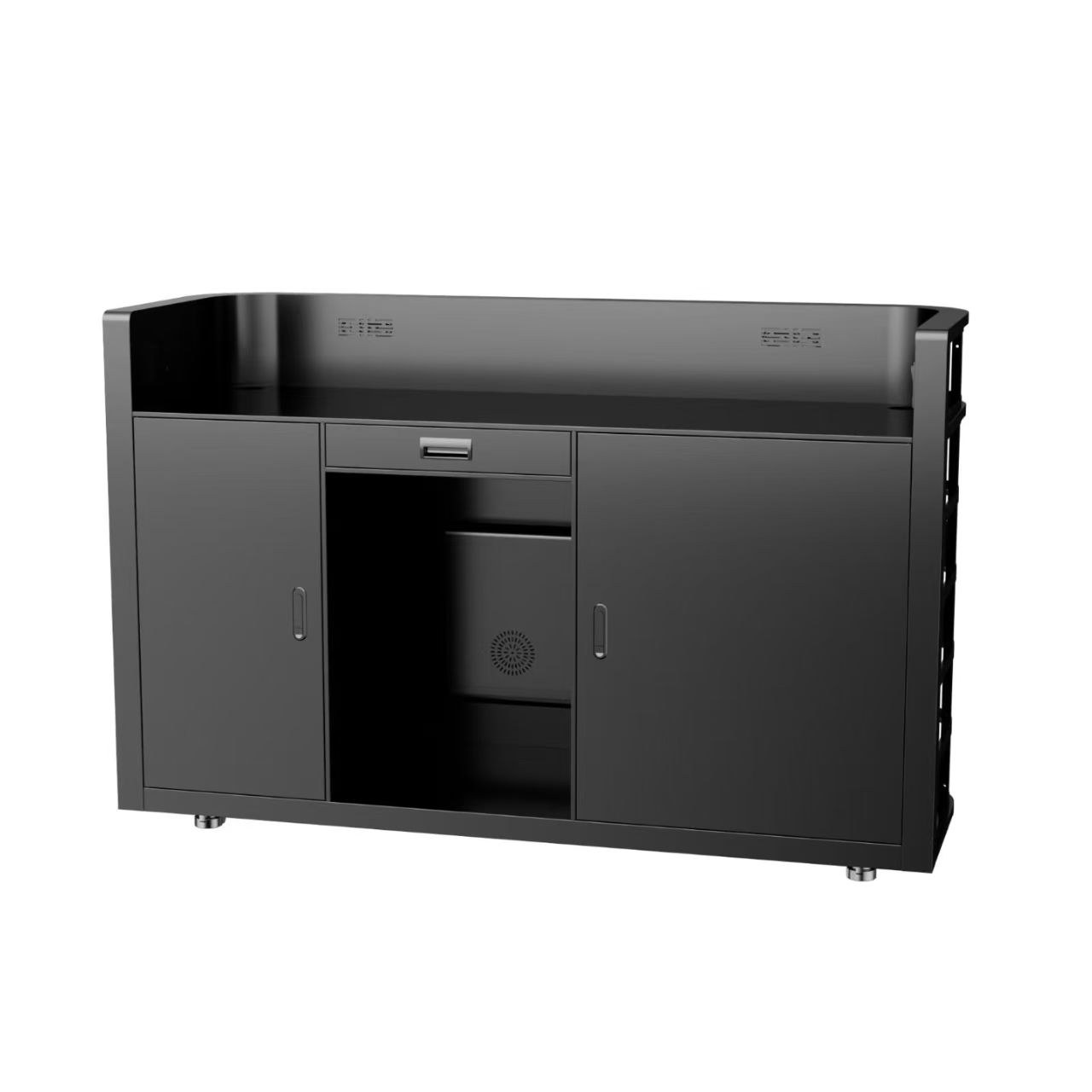
Installation & service
LED Display Spare Parts and After-Sales: What to Agree Before Ordering
Build a practical service plan around compatible parts, access, diagnosis and written responsibilities.
Read guideSTART A CONVERSATION
Need help with
an existing display?
Include your order reference, product model, project country and a short description of the issue. Mention the affected area, when it occurs and the best time to reach your local contact.
Start a support enquiry
After you send, our team will review your requirements and contact you to clarify the details and next steps.
Please read our privacy notice before sending personal information.