
FIND YOUR NEXT STEP
Search RUILED
The two quotes on your desk describe the same screen size. One costs less, but lists fewer accessories. The other includes installation support without saying what that support covers. Before choosing either, you need to know whether they describe the same project.
For an LED display buyer, the useful comparison is the complete configuration and delivery scope. These six checks help purchasing teams and project integrators identify the questions that remain open before approving a price.
In this guide
1. Are both suppliers quoting the same display?
Start with the selected model, pixel pitch, complete display dimensions and cabinet arrangement. A product-family name is not enough to establish an equivalent configuration.
Check what each dimension describes. RUILED’s 500 × 250 mm and 480 × 320 mm all-aluminium products are named by their module sizes. Those numbers are not the cabinet dimensions or the finished screen dimensions. A supplier needs the intended display size to propose the layout.
What to check: Ask for a model-specific data sheet and a drawing showing the complete display and cabinet arrangement.
2. What is missing from the equipment list?
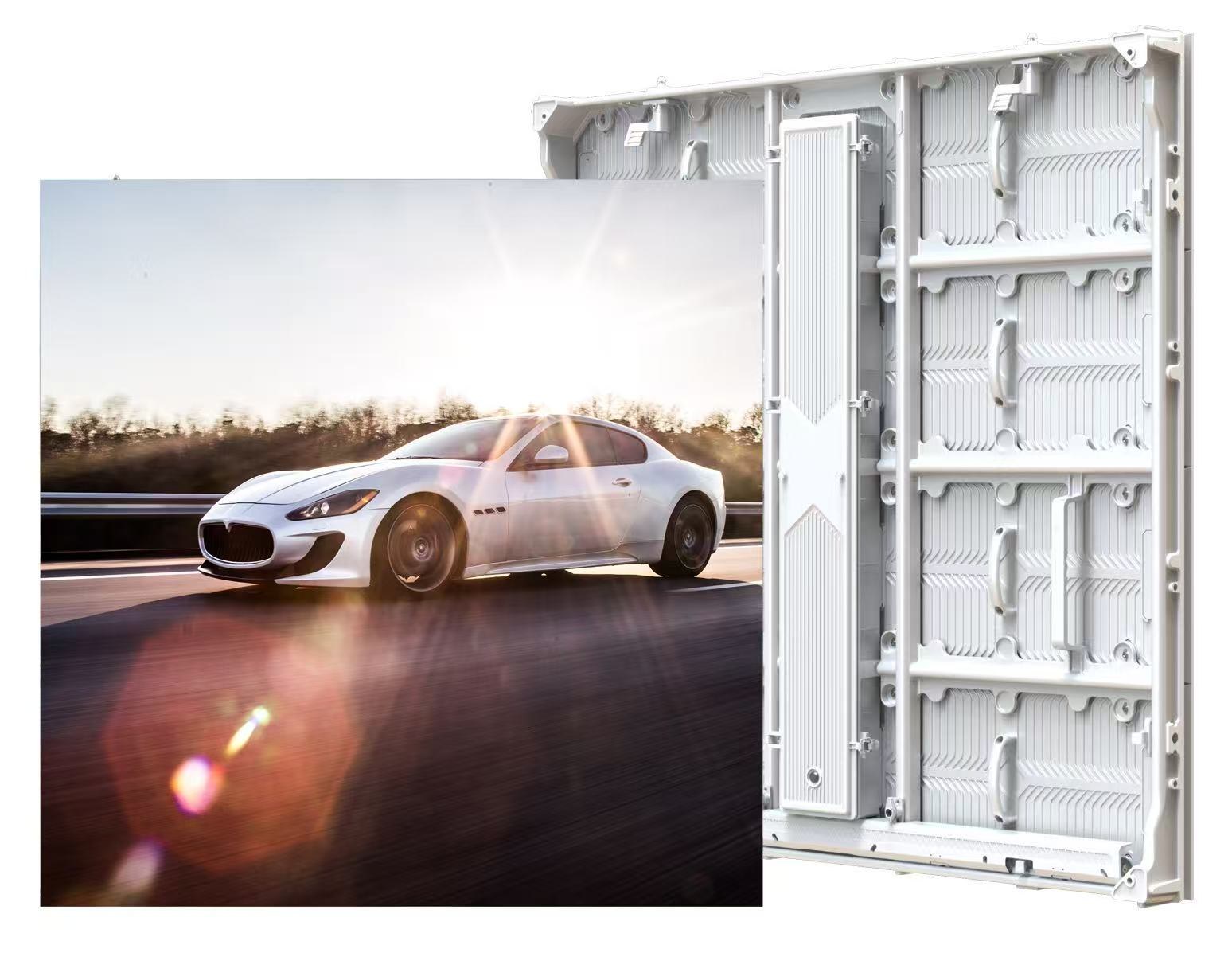
A screen may look complete in a photograph while its quotation covers only part of the system. Review the display, control equipment, power and signal cabling, accessories, packing and agreed spare parts as separate items.
Identify equipment you already own and ask whether it is suitable for the proposed configuration. Do not assume an existing controller, cable arrangement or mounting accessory can be reused without checking.
What to check: Request an itemised included/excluded list, with the quantity and model of important system components.
3. Who provides the structure and installation?
A buyer can receive all the quoted cabinets and still have an unfinished installation if the local work has not been assigned. Supporting structure, power distribution, installation labour, signal routing and commissioning each need an owner.
Ask what the supplier’s installation support means in practice: which drawings, instructions or assistance are included, and what your local team must arrange. Have the responsible professionals review their structural and electrical scope.
What to check: Put supplier responsibilities and local responsibilities in separate columns before comparing totals.
4. Are you comparing electricity costs on the same basis?
Average power and maximum power answer different questions. The operating-cost estimate uses the average power for the selected configuration, the installed area or number of units, and the actual operating schedule.
For example, using the supplied 180 W/m² average value for a 10 m² display, eight hours per day over 30 days gives an estimate of 432 kWh. This is a calculation example, not a measured customer result. Multiply it by your own electricity rate; other equipment and utility charges are outside that screen-only estimate.
What to check: Confirm whether the value is W/m² or W per display, and compare equal operating hours. Review electrical capacity separately.
5. What happens when a component needs attention?
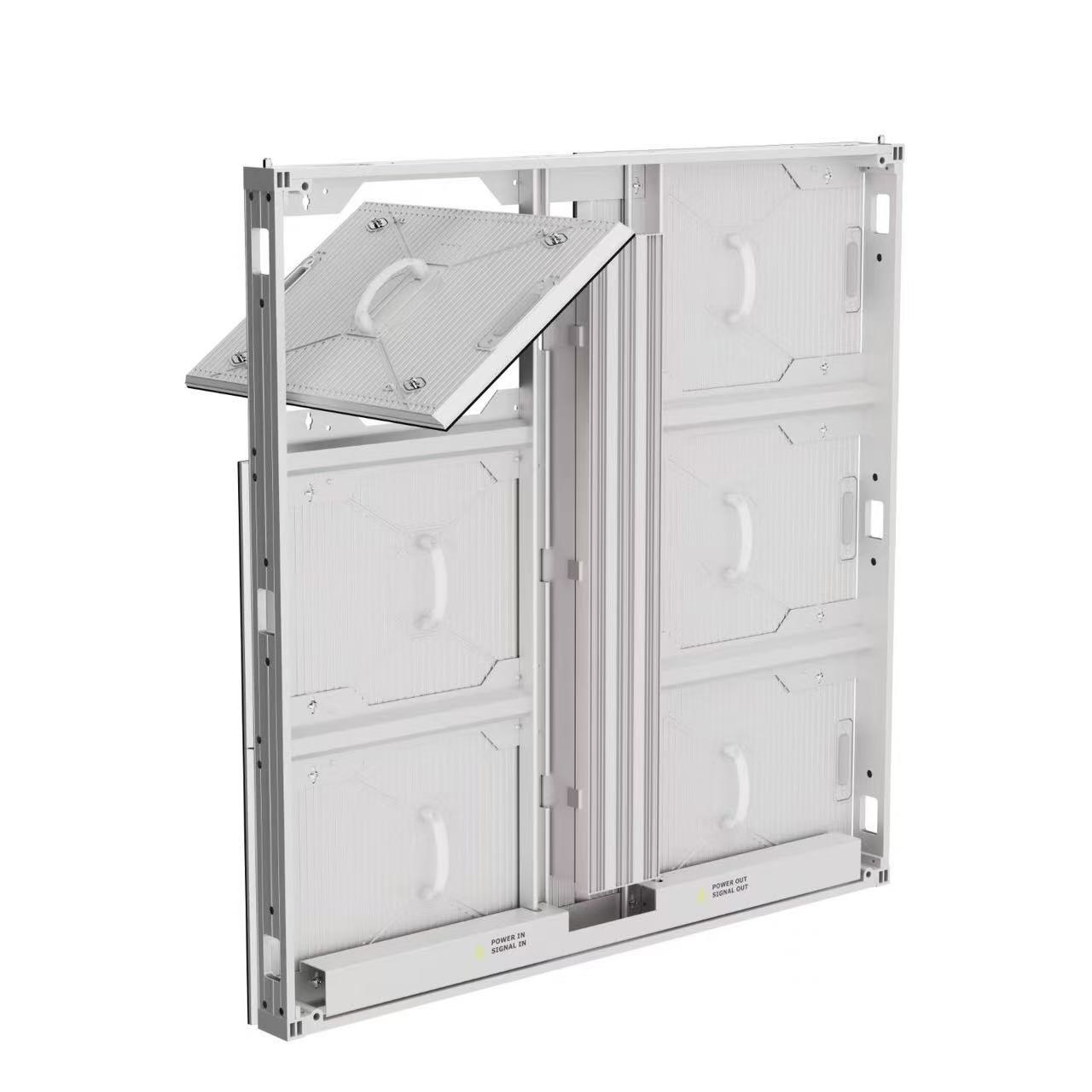
The purchase decision continues after installation. Ask how a fault is diagnosed, which part is replaced, who performs the work and how parts are transported. Confirm access to the parts that may need service.
A general warranty statement does not explain every cost or responsibility. Ask for coverage, exclusions, spare-parts quantities, return handling and transport responsibilities in the order agreement.
What to check: Compare the written service and spare-parts scope, not only the stated warranty duration.
6. What will be checked before dispatch—and what does delivery include?
Agree which inspection records, images, tests or acceptance checks form part of your order. Where documents or certificates are required, verify their applicability to the selected product and destination.
Then compare the packing, trade term, named delivery point and included freight scope. Ask the parties responsible for duties, taxes and local charges to identify their scope. A quotation becomes easier to judge when the handover point and remaining work are explicit.
What to check: Resolve the open items in writing and attach the agreed technical and commercial scope to the order.
A quick quote-comparison sheet
| Compare | Ask each supplier for |
|---|---|
| Display | Model, pitch, complete dimensions and cabinet layout |
| System scope | Equipment, accessories, spares and exclusions |
| Local work | Structure, electrical work, installation and commissioning responsibilities |
| Running cost | Average power with units and the same operating schedule |
| Handover | Inspection scope, documents, packing and delivery point |
Before you order
- Same display configuration and layout confirmed
- Included equipment and exclusions itemised
- Supplier and local installation responsibilities assigned
- Average power units and operating hours checked
- Service, spare parts and return responsibilities written down
- Inspection and delivery scope agreed
Send RUILED the quotations or scope items you need to compare, your application, approximate display dimensions and project country. We can discuss a configuration and quotation scope using the information available.
Keep planning your project.
All articles
How Much Electricity Does an LED Display Use?
Calculate screen energy and cost from average power, with worked examples and the limits of the estimate.
Read guide
Why Can a Cheaper LED Display Cost More Over Time?
A customer Q&A about the costs beyond the invoice: electricity, warranty, maintenance, materials and heat management.
Read guideSTART A CONVERSATION
Get a configuration
for your project.
Tell us where the display will be used, its approximate size and the project country. Add your target date if known. You can enquire before the specification is complete.
Send an inquiry
After you send, our team will review your requirements and contact you to clarify the details and next steps.
Please read our privacy notice before sending personal information.