
FIND YOUR NEXT STEP
Search RUILED
Electricity is a recurring project cost, but a wattage on a quotation is not yet a monthly bill. You need to know what the figure covers, whether it is an average or a maximum, and whether it applies to one square metre or one complete display.
Use the method below to compare screen-only operating estimates. It is useful for budgeting and discussing operating schedules; it does not size the electrical installation or predict an exact utility bill.
In this guide
1. Start with the average value for the exact configuration
Find the average power consumption row in the selected model’s data sheet. Copy both the number and its unit. A W/m² value needs the active display area; a W/unit value needs the number of complete units. Mixing those two bases can produce a large error.
Do not substitute the maximum rating when you intend to compare normal operating estimates. If average consumption is absent, request it and the conditions used to establish it. The RUILED calculator is available only where the supplied specification contains an average value.
What to check: Record model, configuration, average watts and the unit together.
2. Calculate kWh before applying the electricity rate
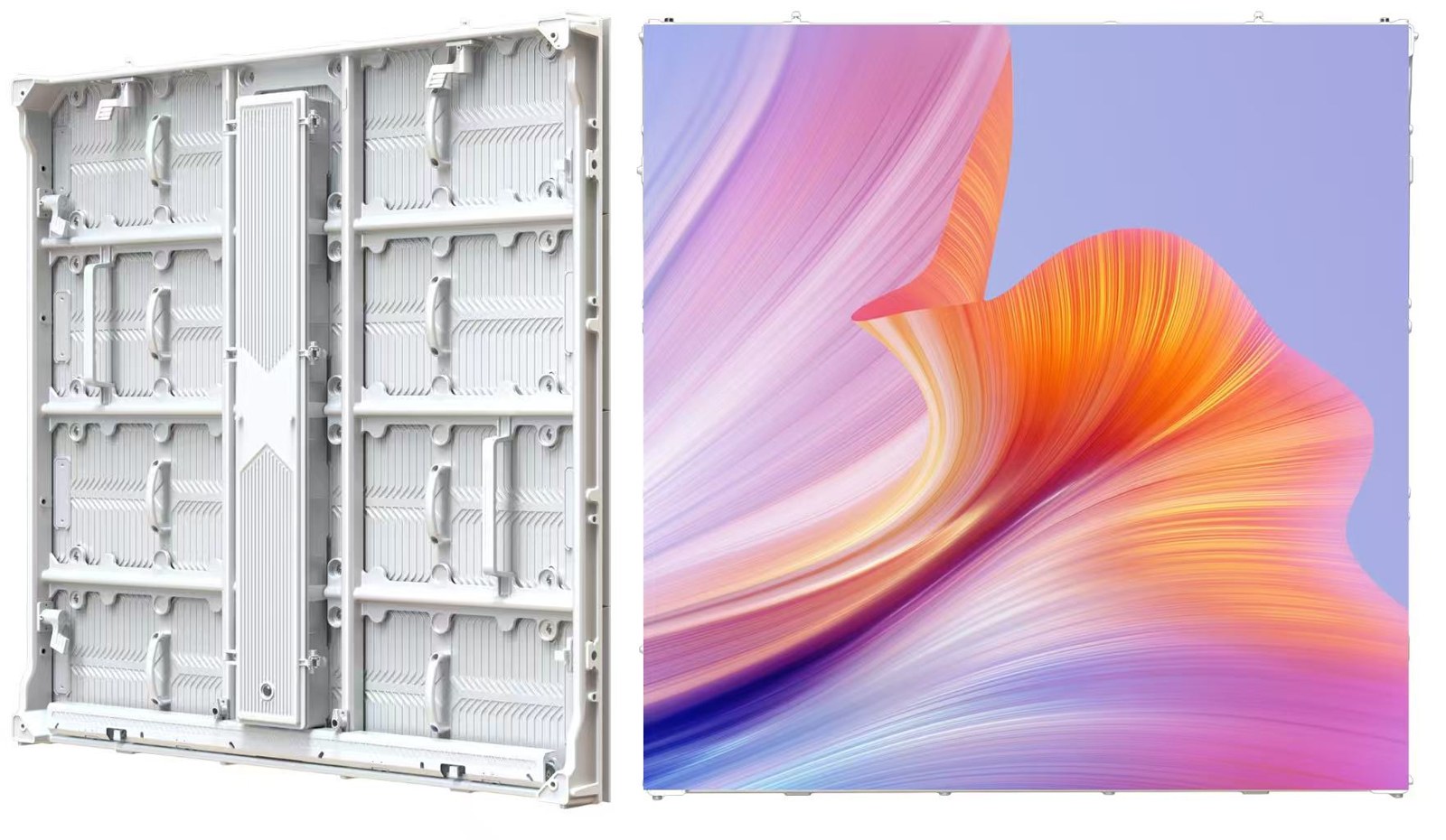
For area-based specifications: energy in kWh = average W/m² × display area in m² × hours per day × days ÷ 1,000. For unit-based specifications, replace power per square metre and area with average W/unit and quantity.
Worked example using the catalogue 500 × 250 mm series average: 230 W/m² × 10 m² × 8 hours × 30 days ÷ 1,000 = 552 kWh. At an illustrative USD 0.15/kWh, that is USD 82.80. The rate is an example, not a quoted local tariff or a measured customer result.
What to check: Use the installed display area and actual operating schedule, not the wall’s overall area.
3. Compare products using matching assumptions
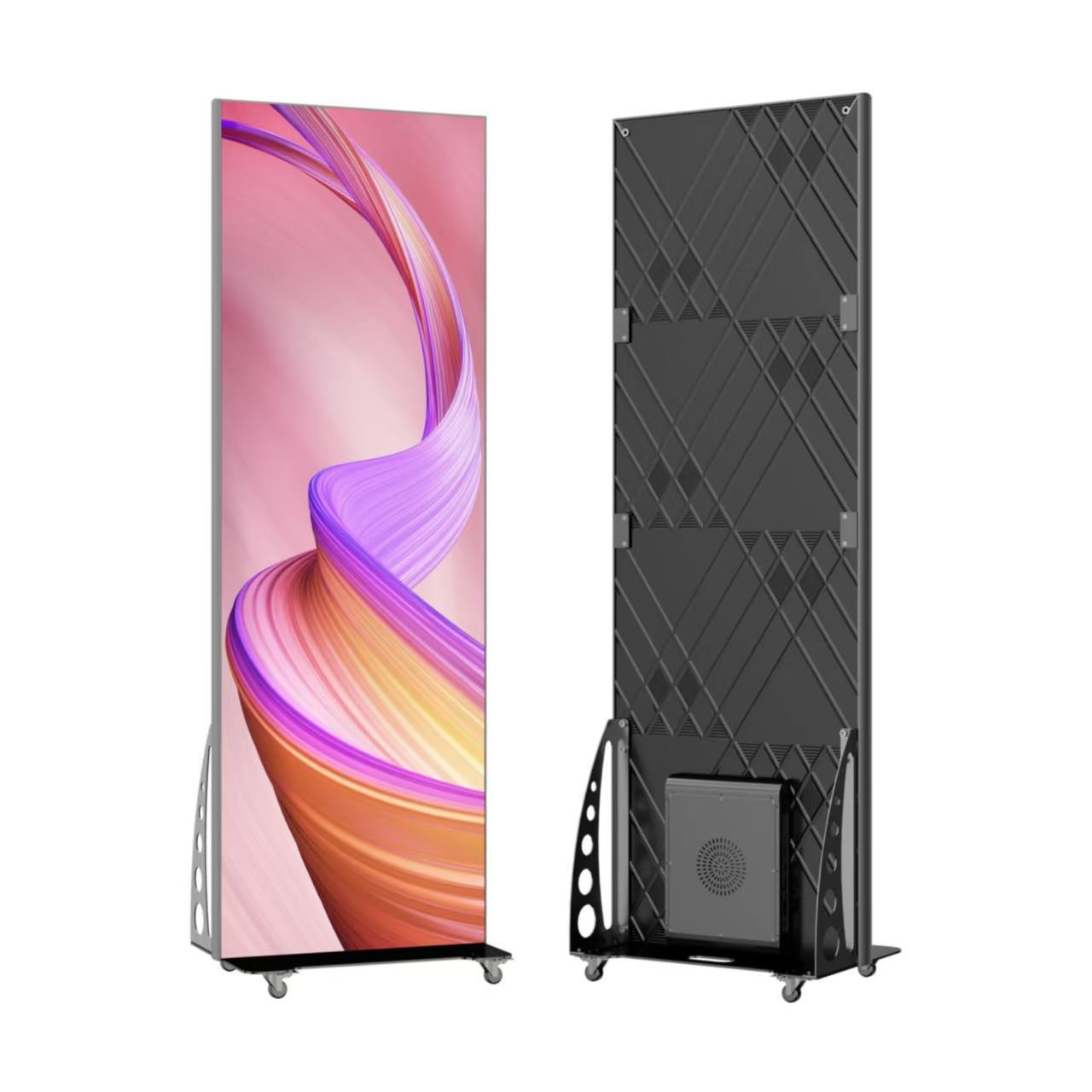
For two LED posters with the supplied 120 W/unit average figure, the same eight-hour, 30-day schedule gives 57.6 kWh. At the illustrative rate above, the result is USD 8.64. This calculation applies to the supplied poster configuration, not every poster on the market.
RUILED’s all-aluminium range also has configurations with different average values. Keep the model code visible when comparing them. A lower screen-energy estimate alone does not establish equal brightness, resolution, installation scope or suitability.
What to check: Keep hours, days, tariff and measurement basis identical for a fair comparison.
4. Separate operating energy from electrical capacity
Starting the system and changes in displayed content or settings can create peaks above the assumed average. Actual energy may therefore be higher or lower than this estimate. A maximum rated consumption value is not a measurement of startup inrush.
No separate startup allowance is included in this calculation. Ask the responsible electrical professional to review the selected equipment, maximum load, startup characteristics, distribution and protection. Do not use monthly kWh to choose circuit protection.
What to check: Budget from average power; review supply capacity and startup behaviour separately.
5. Define what the estimate leaves out
The screen-only figure excludes separately powered controllers, computers, networking, cooling and other site equipment unless their consumption is explicitly included in the source value. Electricity bills may also include charges that are not simply energy multiplied by one flat rate.
For a better operating budget, list those additional loads and the site’s tariff structure. Once installed, compare a representative measured period with the estimate and update the assumptions for the real schedule and settings.
What to check: Use the calculator beside the relevant product parameters, then add project-specific exclusions.
Inputs for a useful estimate
| Input | What to enter |
|---|---|
| Average power | Exact model value with W/m² or W/unit |
| Size or quantity | Display area or number of complete units |
| Schedule | Daily operating hours and operating days |
| Electricity rate | Your local rate per kWh and currency |
| Excluded loads | Control, cooling and other separately powered equipment |
Before you order
- Select the exact model and average-power row
- Check area-based versus unit-based power
- Enter realistic operating hours and days
- Use a local electricity rate
- Review additional equipment and tariff charges
- Keep electrical-capacity review separate
Share your selected model, size or quantity, operating schedule and local electricity rate. RUILED can help check the calculation basis before you compare proposals.
Keep planning your project.
All articles
LED Display Quotes: 6 Checks Before You Compare Prices
Find equipment omissions, operating-cost assumptions and responsibilities before choosing a supplier.
Read guide
Why Can a Cheaper LED Display Cost More Over Time?
A customer Q&A about the costs beyond the invoice: electricity, warranty, maintenance, materials and heat management.
Read guideSTART A CONVERSATION
Get a configuration
for your project.
Tell us where the display will be used, its approximate size and the project country. Add your target date if known. You can enquire before the specification is complete.
Send an inquiry
After you send, our team will review your requirements and contact you to clarify the details and next steps.
Please read our privacy notice before sending personal information.