
FIND YOUR NEXT STEP
Search RUILED
A spare-parts percentage is useful only if the parts match the installed configuration and someone knows how to use them. An overseas buyer also needs a clear path from reporting a fault to receiving the right replacement.
Define that path before the order is placed. It makes the service proposal easier to compare and helps the local team understand what they will need after installation.
In this guide
1. Build the spare-parts list around the selected system
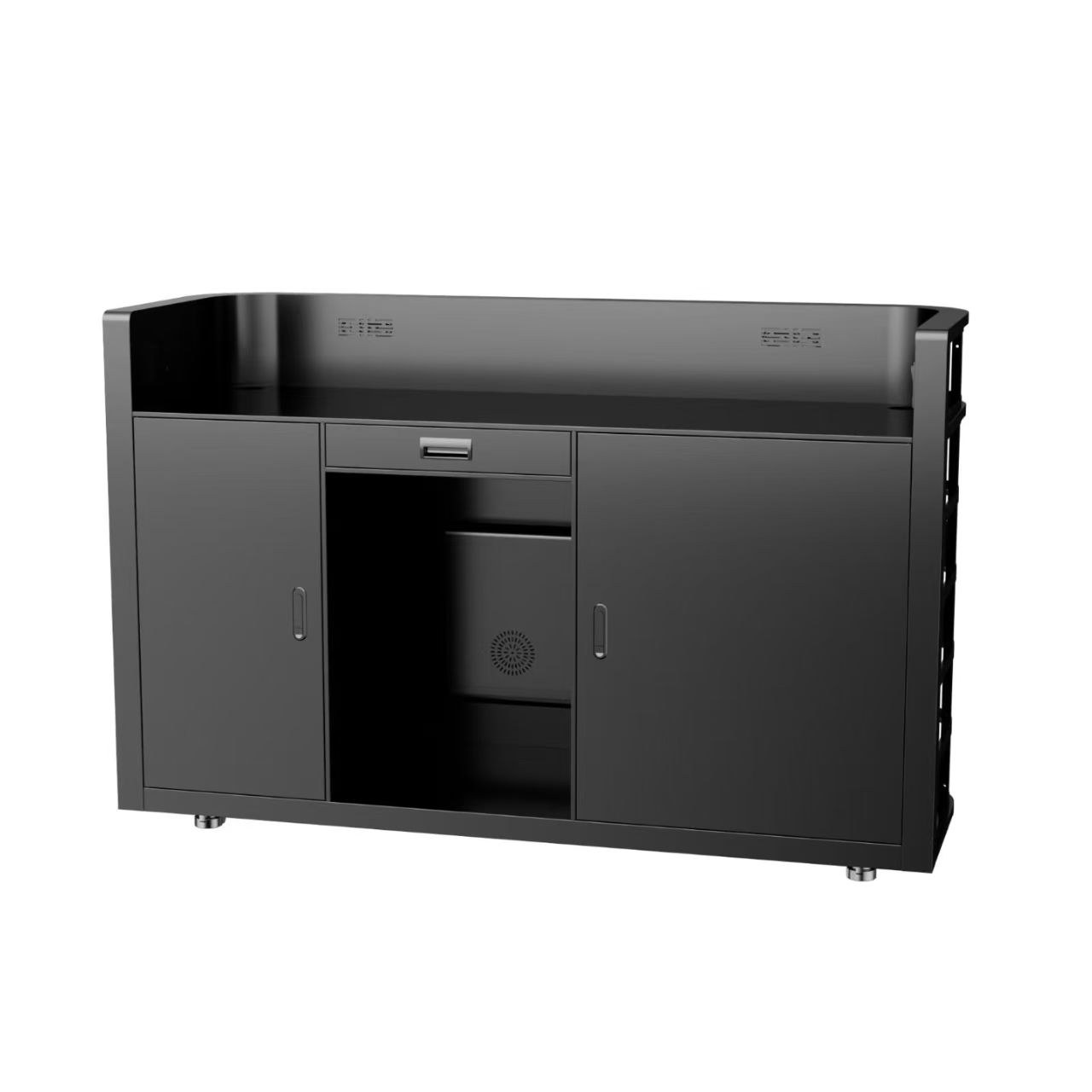
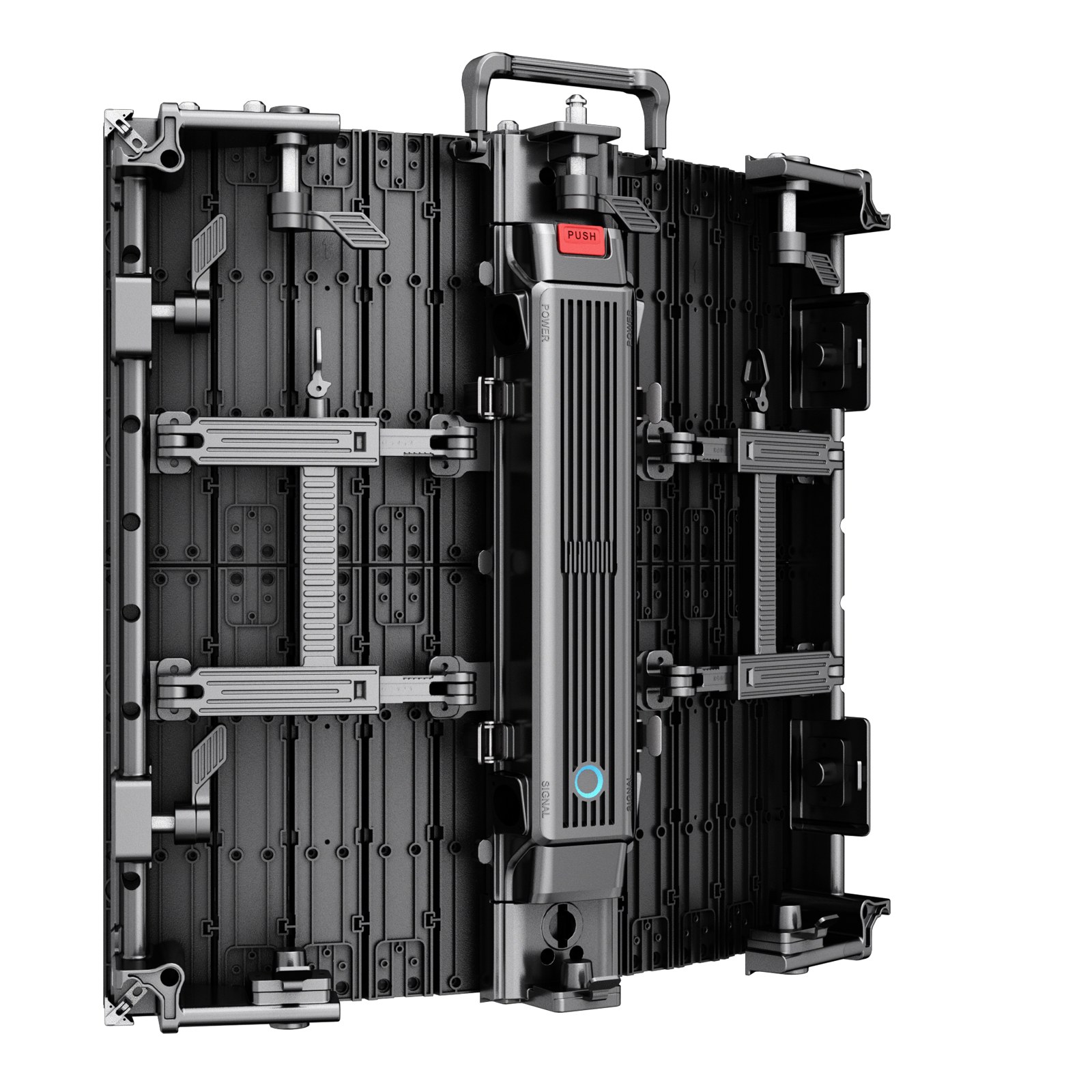
Ask for an itemised list of proposed modules, power components, receiving equipment, cables and other relevant parts. Record quantities and identifiers. Ask why the proposed stock suits the installation and expected service arrangement.
Complimentary spare parts are provided at 1% by quantity. The applicable items and quantity breakdown are specified in the order. Discuss any additional stock around access difficulty, local skills and replenishment needs.
What to check: Confirm each spare’s identity, quantity and intended use.
2. Check compatibility and configuration records
Ask which part identifiers, hardware revisions or configuration details must match the installed equipment. For replacement modules, ask whether matching or calibration information needs to be retained and how it is supplied.
Keep the approved layout, component list and configuration files in a location accessible to the responsible service team. A later purchase based only on a photograph or module dimensions can leave compatibility unresolved.
What to check: Request the compatibility information needed to order and commission replacements.
3. Agree the first fault-reporting steps
Ask what information the support team needs: affected position on the layout, visible symptoms, equipment identifiers and relevant photos or video. Clarify who reviews the report and who can authorise service work.
Record what the local operator may check and which procedures require trained personnel. Ask for model-specific instructions. Do not improvise electrical or component-level work from a general article.
What to check: Prepare a simple reporting checklist and identify the responsible contacts.
4. Read warranty and transport scope together
Request written coverage, exclusions and any conditions that affect a claim. Clarify diagnosis, replacement, repair or return arrangements, and who pays for transport, customs handling, local labour and access equipment.
Outdoor displays: 1 year. Indoor displays: 3 years. Both warranty periods begin on the shipment date. Return-to-factory repair service is available. Freight costs are borne by the customer. After warranty, service is charged at prevailing market rates. Confirm the applicable coverage and remaining cost responsibilities for the case.
For current warranty periods, working hours and first-response times, see RUILED service and support.
What to check: Separate product coverage from local service, freight and handling costs.
5. Plan replenishment and service handover
Ask how replacement stock is ordered and what information must accompany the request. Confirm storage and handling requirements for the supplied parts from the relevant instructions, and identify who maintains the inventory.
At handover, check that the local team has the parts list, layout, configuration records and agreed service procedure. Confirm any training or commissioning support included in the order. Update the inventory after a part is used so the next incident does not reveal an empty box.
What to check: Assign ownership of spare stock and documentation after installation.
Compare the service proposal
| Item | What to ask for |
|---|---|
| Spare stock | Item identifiers, quantities and compatibility |
| Diagnosis | Required evidence and authorised service process |
| Warranty | Written coverage, exclusions and claim procedure |
| Costs | Local labour, access, freight and customs responsibilities |
| Handover | Layout, configuration records, instructions and inventory owner |
Before you order
- Agree an itemised spare-parts list
- Retain compatibility and configuration records
- Define fault-report evidence
- Confirm authorised local procedures
- Write down coverage and cost responsibilities
- Assign replenishment and document ownership
Tell RUILED where the display will operate and who will maintain it. We can discuss a spare-parts and support scope for the selected configuration.
Keep planning your project.
All articles
Front or Rear Service? Plan LED Maintenance Before Installation
Avoid a finished wall that prevents access to the components your team needs to maintain.
Read guide
LED Display Inspection Before Shipment: A Buyer’s Checklist
Agree the configuration, test conditions, records and open-item process before the display is packed.
Read guideSTART A CONVERSATION
Get a configuration
for your project.
Tell us where the display will be used, its approximate size and the project country. Add your target date if known. You can enquire before the specification is complete.
Send an inquiry
After you send, our team will review your requirements and contact you to clarify the details and next steps.
Please read our privacy notice before sending personal information.