FIND YOUR NEXT STEP
Search RUILED
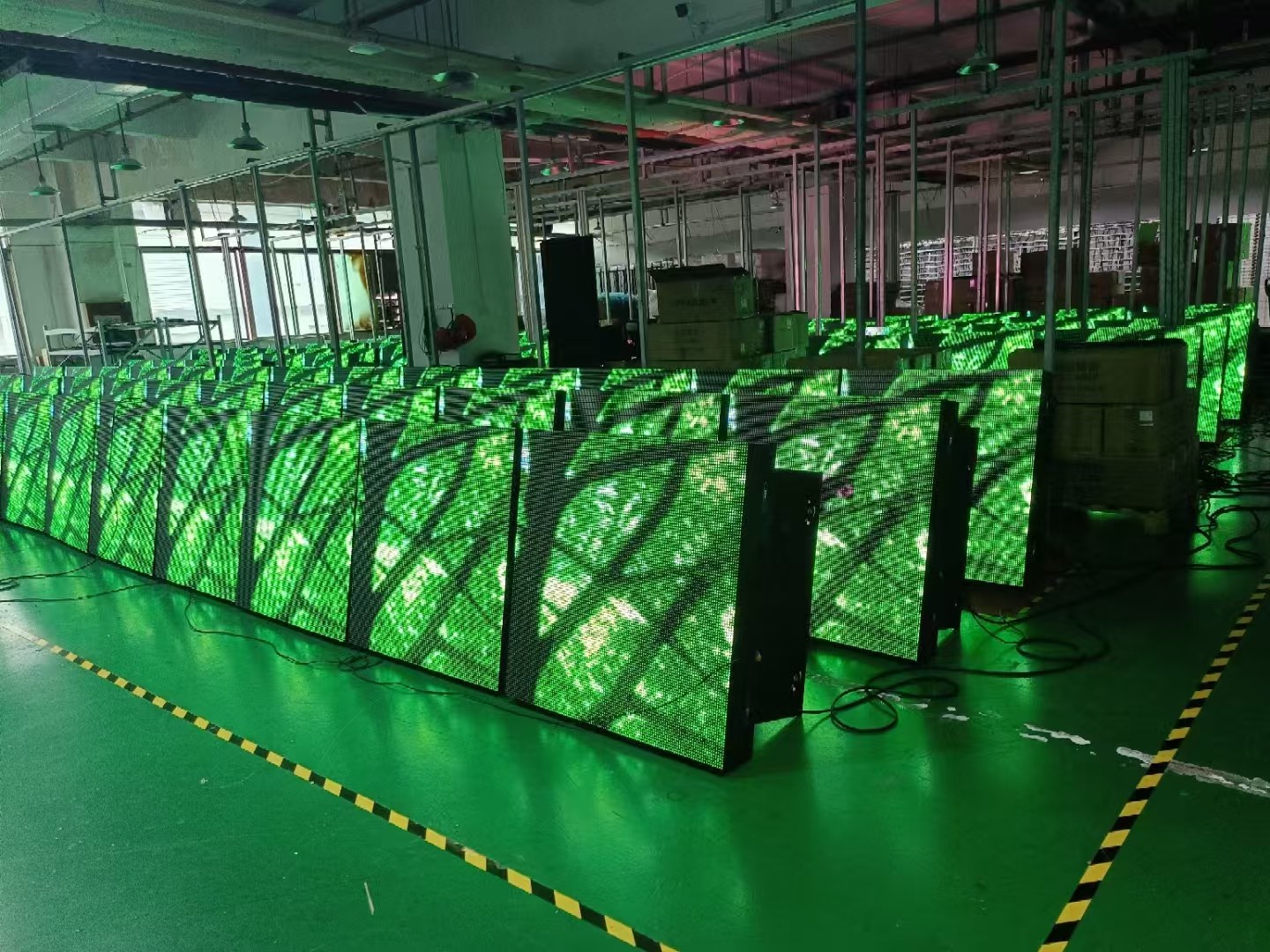
A video of an illuminated screen is useful, but it may not show whether the assembled display matches your order, the intended source works or all accessories are packed. Inspection is easier to judge when the expected checks are agreed before production is complete.
Use this checklist to discuss an order-specific acceptance plan. The checks below are proposed review items, not a statement that every RUILED order includes a particular test, duration or acceptance threshold.
In this guide
1. Confirm the inspected equipment matches the order
Compare the assembled cabinet arrangement, selected model, pitch and complete dimensions with the approved documents. Check that the control equipment and accessories shown belong to the quoted configuration.
Ask how cabinets or packages are identified and how the records will be linked to your order. If the display is inspected in sections, agree how those sections relate to the final layout. Avoid treating an unrelated factory video as order-specific evidence.
What to check: Link the inspection record to the approved order and layout.
2. Agree test conditions and acceptance criteria
List the content, inputs, settings and operating checks to review. Confirm which values require measurement, how results are recorded and what constitutes acceptance. Agree any aging or running-test requirement rather than assuming a universal duration.
Solid-colour and other test patterns can help examine display output and pixel operation. Daktronics documents this use for specified NovaStar systems, including comparing sections with pure colours. That is a test technique, not a universal acceptance standard for every display.
Technical reference: Daktronics on NovaStar test patterns.
What to check: Record the agreed procedure, conditions and acceptance criteria before testing.
3. Include the intended content and signal path
Provide representative project content and identify important inputs or operating actions. Ask to review the proposed system using the relevant source path where that check forms part of the order scope.
For a shaped display, include the agreed pixel map and content alignment. For a meeting-room system, identify source changes or display arrangements that matter. A self-test pattern does not establish every aspect of source integration.
What to check: Use both agreed display checks and project-relevant content checks.
4. Review packing, parts and documents
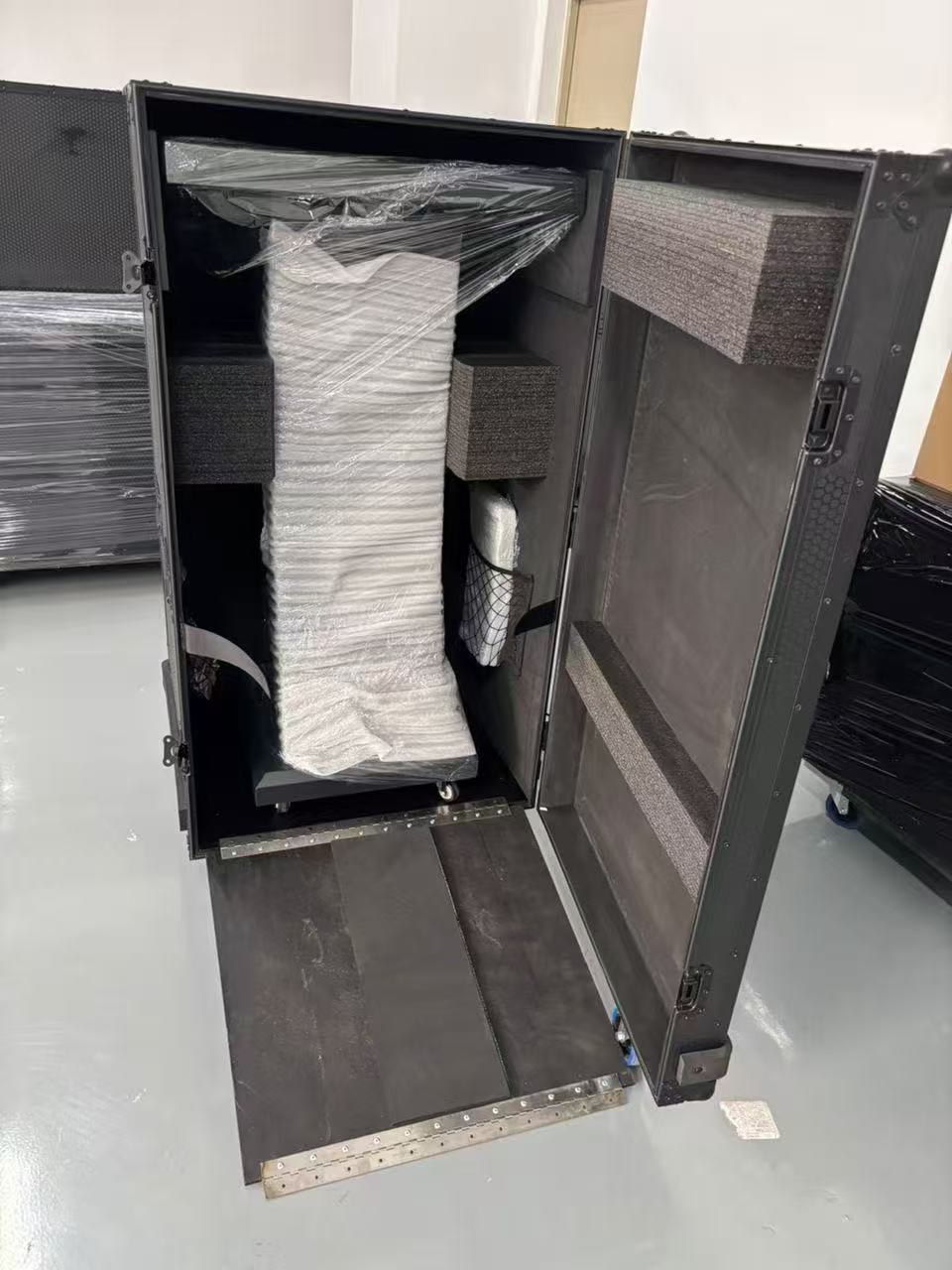
Compare the packing list with the agreed equipment, cables, accessories and spares. Request package identification and the handling information needed by the receiving team.
List the drawings, data sheets, configuration records, manuals and shipment documents required at handover. Where certificates are needed, verify the actual document and its applicability to the selected product and destination. A logo alone does not establish that scope.
What to check: Check physical quantities and the required document set before handover.
5. Close open items through a written process
Record discrepancies with enough context to identify the affected item. Agree who reviews them, what corrective action is needed and what evidence closes the item. Distinguish approval of the inspection from approval of packing or dispatch.
If a third-party inspection is required, define its scope, schedule, access and reporting responsibilities in the purchase agreement. Confirm who is authorised to accept results and release the shipment.
What to check: Keep an open-item list and written acceptance for the agreed checkpoints.
An order-specific inspection plan
| Checkpoint | Record to agree |
|---|---|
| Configuration | Approved model, dimensions, layout and equipment |
| Display checks | Patterns, settings, measurements and acceptance criteria |
| Project operation | Representative content and important signal paths |
| Packing | Quantities, package labels and spare parts |
| Release | Open-item closure, acceptance and dispatch authority |
Before you order
- Agree inspection scope before production is complete
- Identify the inspected order and configuration
- Specify conditions and acceptance criteria
- Review relevant content and input paths
- Check parts, packing and documents
- Close discrepancies before the agreed release
Share the inspection requirements for your project with RUILED before ordering. We can discuss which checks and records should be included in the proposal.
Keep planning your project.
All articles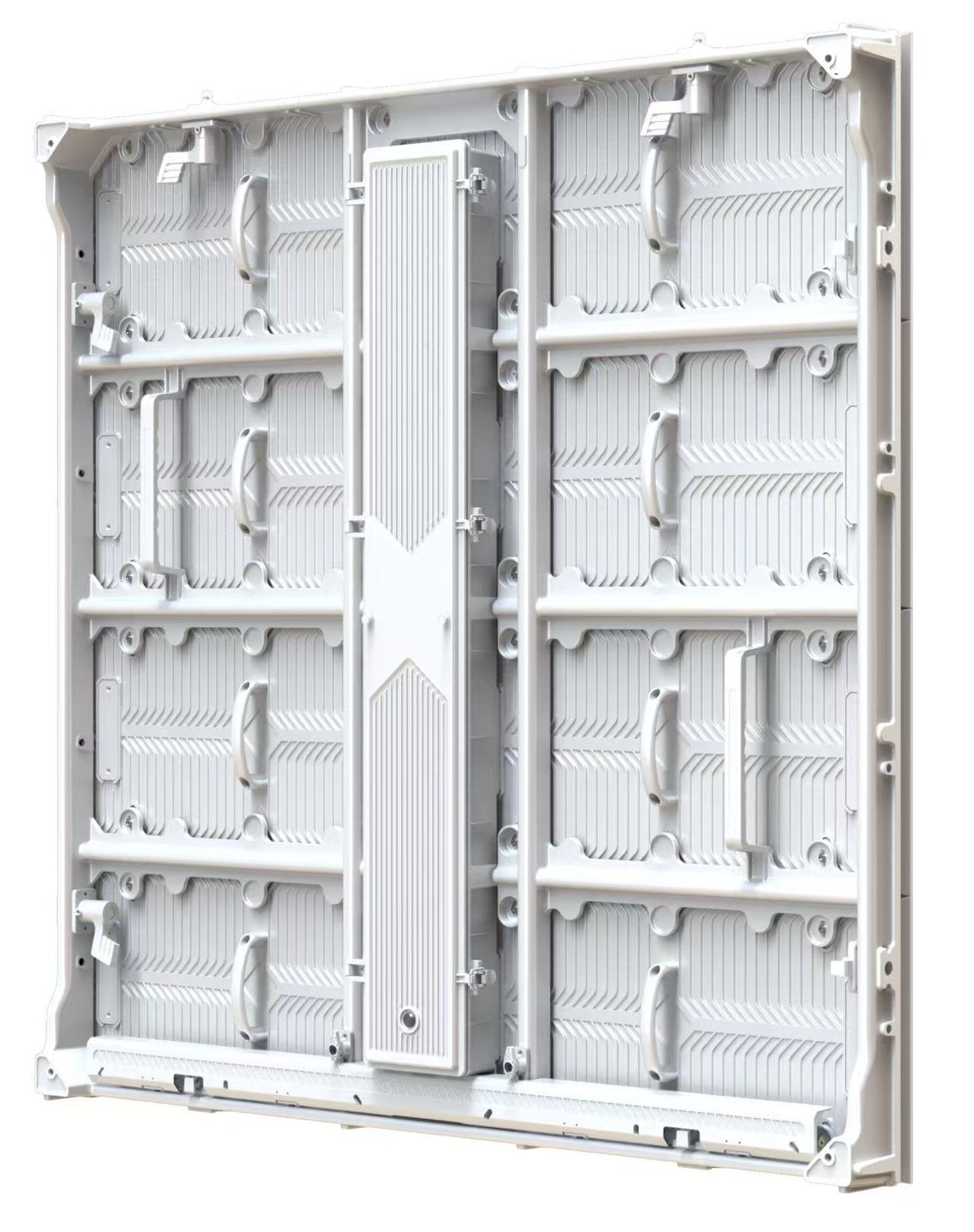
Front or Rear Service? Plan LED Maintenance Before Installation
Avoid a finished wall that prevents access to the components your team needs to maintain.
Read guide
LED Display Spare Parts and After-Sales: What to Agree Before Ordering
Build a practical service plan around compatible parts, access, diagnosis and written responsibilities.
Read guideSTART A CONVERSATION
Get a configuration
for your project.
Tell us where the display will be used, its approximate size and the project country. Add your target date if known. You can enquire before the specification is complete.
Send an inquiry
After you send, our team will review your requirements and contact you to clarify the details and next steps.
Please read our privacy notice before sending personal information.