
FIND YOUR NEXT STEP
Search RUILED
A digital poster near an entrance, a display across a reception counter and a screen on a lectern all carry messages, but they serve different moments in a visitor’s journey. Choosing one because its photograph looks impressive can leave the layout or daily workflow unresolved.
Start by deciding where people pause, what they need to understand and who will update the content. Use those answers to compare the three RUILED commercial formats.
In this guide
1. Choose the communication position first
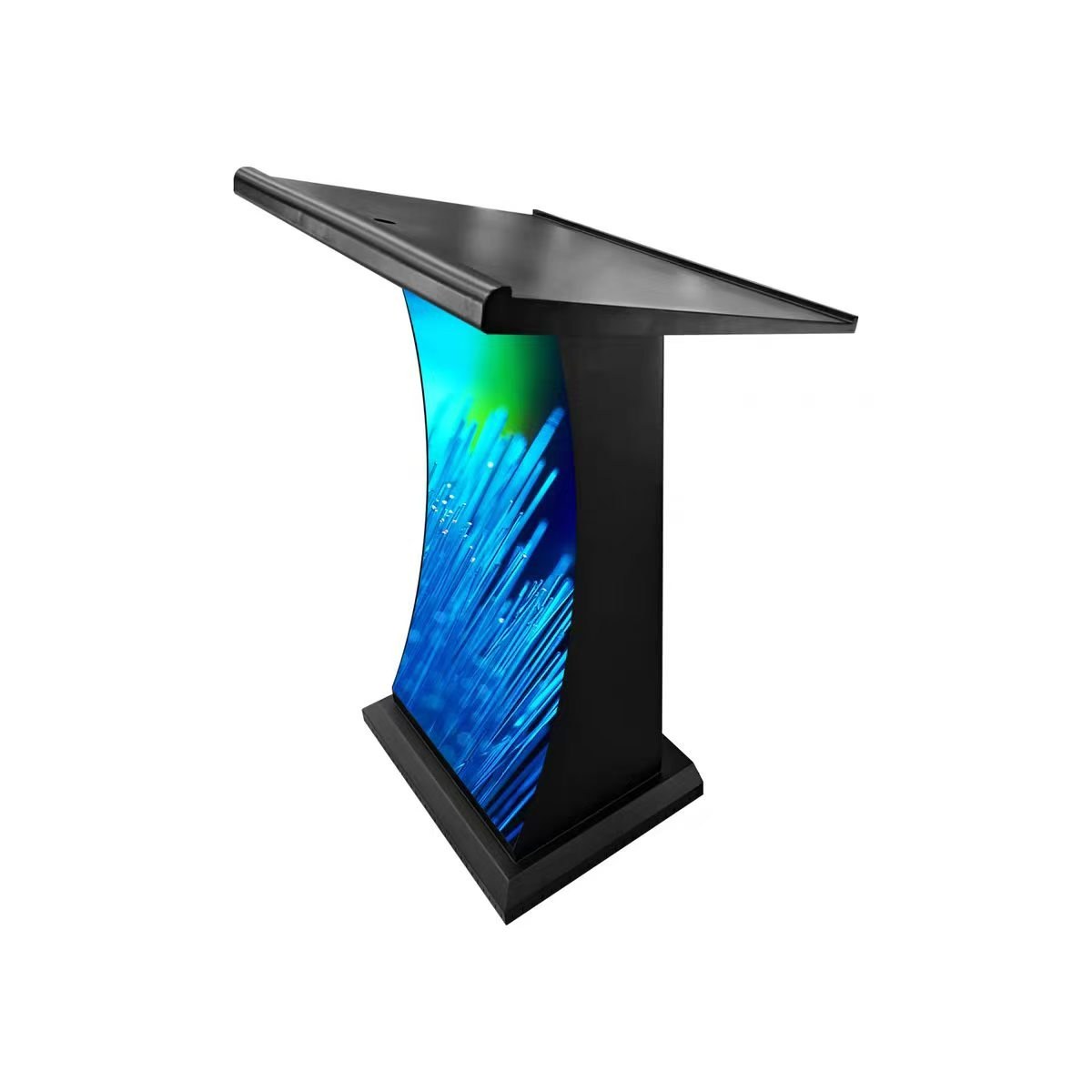
An LED poster is a format to consider for a dedicated message position in a shop, lobby or exhibition. A reception display puts the message on the visitor-facing counter area. A lectern display places it alongside a presenter or speaking position.
Sketch the route from the entrance to the intended viewing point. Mark doors, queues, furniture and staff positions. Decide whether the screen must attract attention from a distance or carry information for someone already standing nearby.
What to check: Mark the viewing direction and a realistic place for people to stop.
2. Match the content to the usable surface
Prepare one example of the real message: a promotion, welcome graphic, event identity or presentation-related visual. Ask for the active display dimensions and pixel resolution of the proposed model, rather than designing from the outside product dimensions.
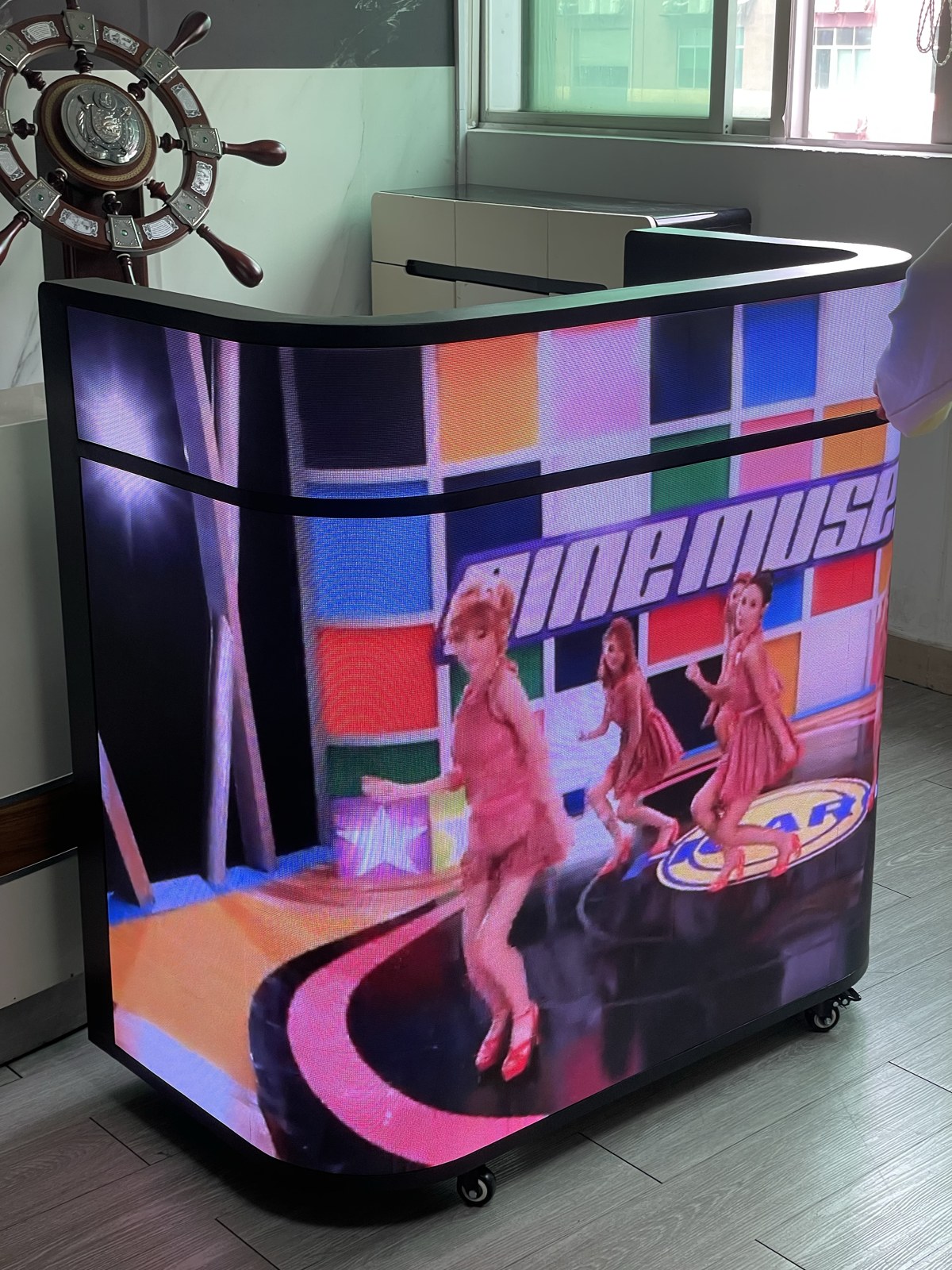
A reception surface may have proportions different from a poster; a lectern also needs to work alongside the presenter. Review cropping, text size and any divisions in the visible surface. A reused social-media image is not automatically a suitable screen layout.
What to check: Request a pixel canvas and review sample content before final artwork is produced.
3. Check the daily working space
Show how the area functions when visitors and staff are present. For a counter, include the staff side, equipment and access needs. For a lectern, include the presenter position and existing event equipment. For a poster, show its intended location and any movement between uses.
Ask for the proposed product’s installation method, cable exits and service access. Do not infer movement, mounting or outdoor suitability from an image. Confirm the exact model and site conditions in the proposal.
What to check: Use front, rear and surrounding site photos to review the installation.
4. Decide who controls the message
List who creates, approves and changes the content. State whether the screen uses a live source, scheduled material or another operating method you need. Ask which player, controller, software and connections are included for that workflow.
If different locations need different messages, describe that requirement before ordering multiple units. Request a demonstration relevant to the proposed control arrangement, and confirm any software, licence or network responsibilities in writing.
What to check: Agree content ownership, update method and included control equipment.
5. Compare the complete purchase and operating scope
Request an itemised proposal covering the selected display, control equipment, cables, packing and spare parts. Identify who arranges installation and commissioning. Confirm any specific accessibility or site requirements with the people responsible for the space.
Use a confirmed average-power value for the exact model when estimating energy. The supplied poster value is per unit; do not apply it to a reception counter or lectern. Compare the equipment and service scope before comparing totals.
What to check: Approve the model, layout, equipment and responsibilities together.
Choose around the task
| Format | Best question to begin with |
|---|---|
| LED poster | Where does a dedicated message surface fit the visitor route? |
| Reception display | What should visitors see while staff continue working? |
| Lectern display | How will screen content work alongside the presenter? |
| All three | Who supplies content, control equipment, installation and service? |
Before you order
- Define the visitor and message
- Measure the usable space
- Provide real sample content
- Confirm the pixel canvas and model
- Agree content control and installation scope
- Check model-specific power and maintenance information
Send RUILED a photo of the space, the intended message and approximate dimensions. We can discuss which commercial format fits the application.
Keep planning your project.
All articles
START A CONVERSATION
Get a configuration
for your project.
Tell us where the display will be used, its approximate size and the project country. Add your target date if known. You can enquire before the specification is complete.
Send an inquiry
After you send, our team will review your requirements and contact you to clarify the details and next steps.
Please read our privacy notice before sending personal information.